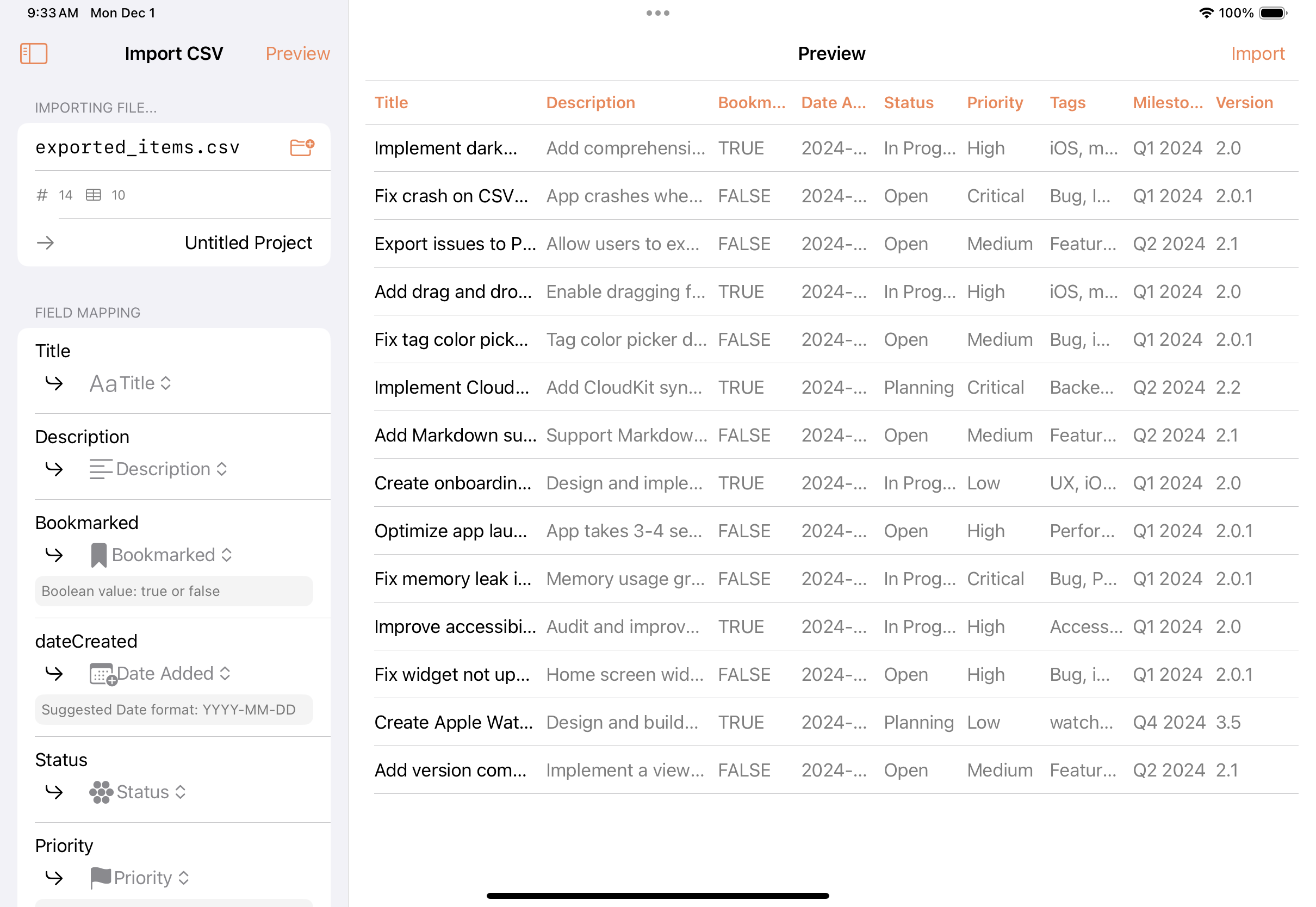
Fox 2.4.1 supports importing issues through CSV files on both iOS and macOS.
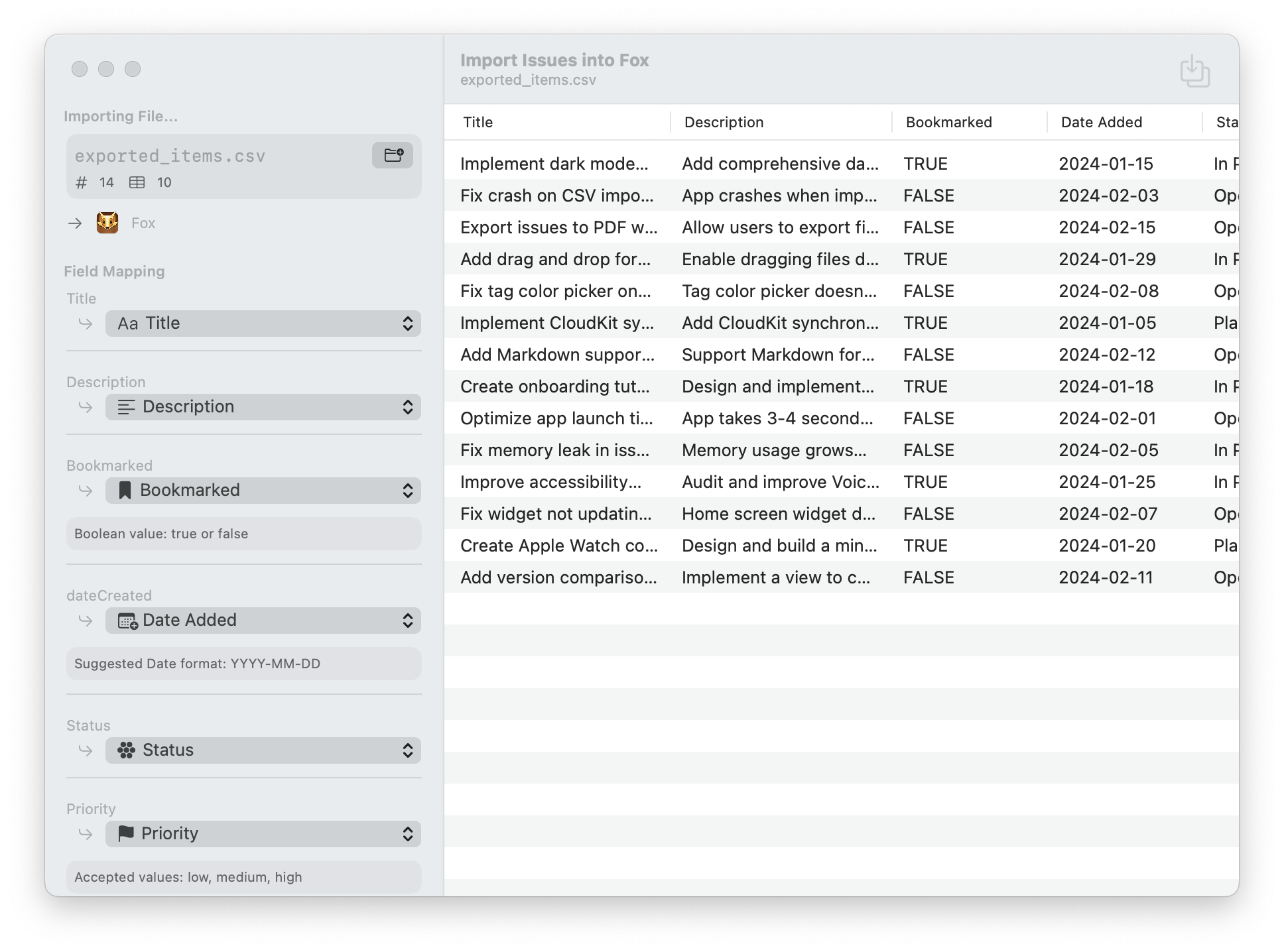
Import multiple issues at once using a CSV file. The only required column is title – all other fields are optional. Fox automatically recognizes common column names, but you can adjust the mapping before importing and preview the results.
You can import issues into projects through the project dashboard menu on iOS and through the File > Import option on macOS.