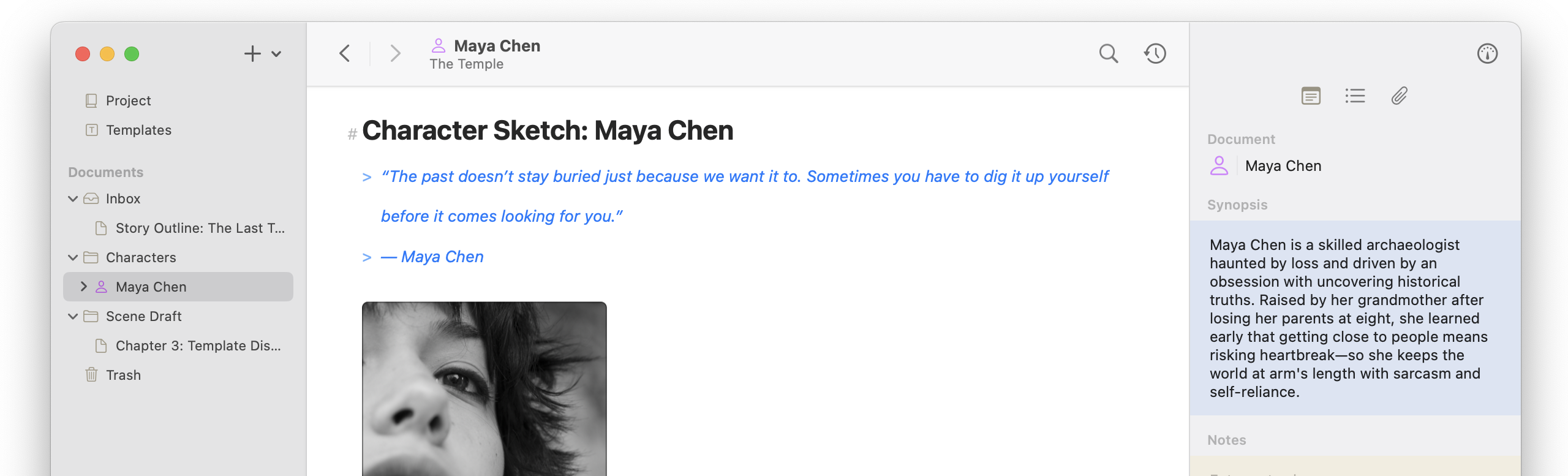
Atlas 1.5 introduces Document Variables and Templates for reusable, dynamic content, alongside a redesigned export experience with custom ePub chapters and new page layouts. This release also adds template improvements, smarter WikiLinks, and includes dozens of fixes across iOS and macOS.
Document variables are one of the larger new features, allowing you to insert content that live updates in both Documents and Templates, becoming normal text during export or insertion respectively. For example, in Templates, titles show as tokens, but when Templates are inserted into documents or you insert a title variable directly into a Document, it will resolve into the active document’s title. Subsequent updates will also update the variable into the text and act as a single block. To prevent this, use the “Convert to Text” menu item.
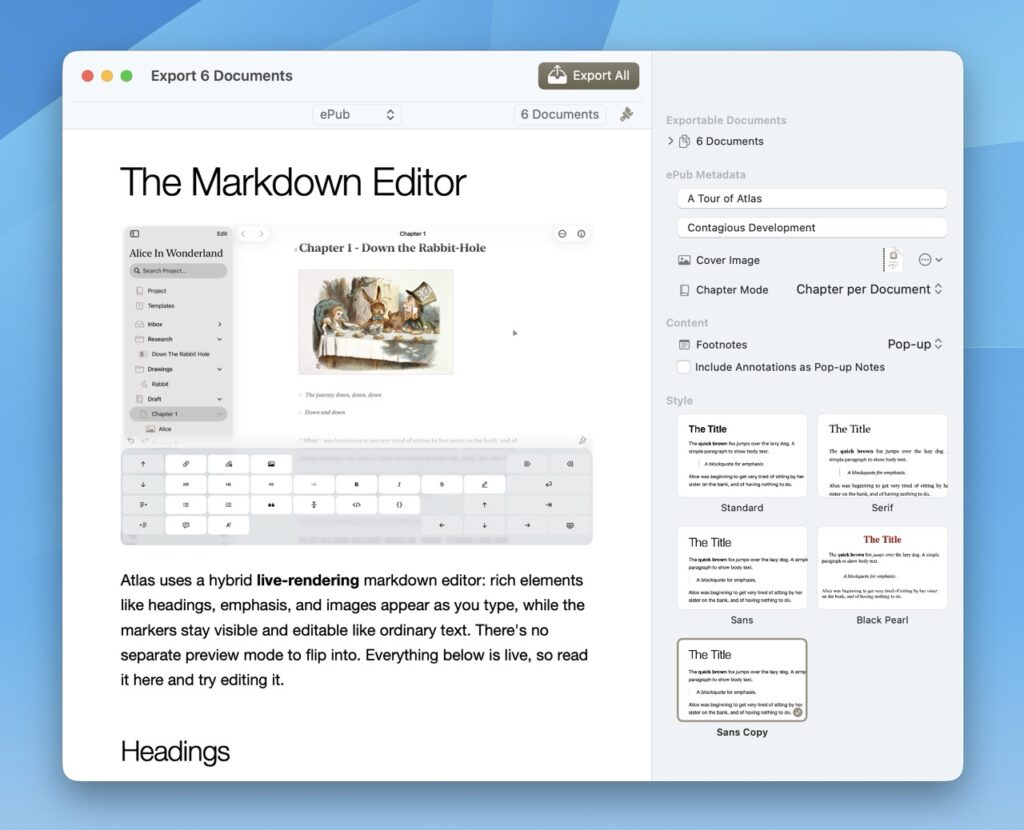
The Export Tool has also been completely redesigned to better navigate. It includes new options, like removing strikethrough content, customizing chapter markers in ePub exports, and includes many bug fixes in some more edge case scenarios.
Underneath the hood there are substantial updates to the Markdown parser (called Nifty ✨) that a lot of the newer components, like Document Variables and improved Wiki-Limns were built on. Internally, it’s been upgrade to major version 2 (yay!), which in non-dev terms means a LOT has changed. I am really excited about this as it’s been on the list for a long time now and makes improving it that much more efficient in the future.
But that’s a lot of forward, ready for this meaty list? Check it out:
Document Variables (iOS + Mac)
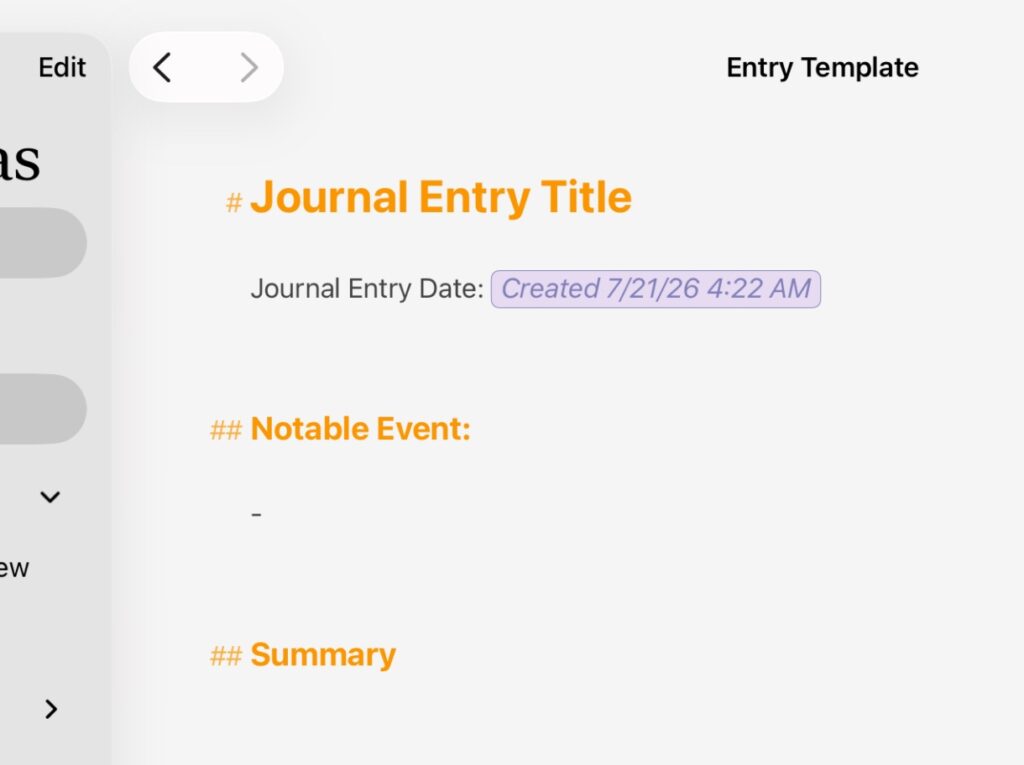
- Type {{ to insert variables from an autocomplete popover: Title, Author, Project, Date created, Time created, Date modified, Date exported are the first additions.
- Dynamic variables (Title, Author, Project, Date modified) stay live and re-resolve on export; snapshot variables (Date created, Time created) freeze to text at insertion.
- unresolved variables render inline, showing as colored token pills when selected, and resolve to plain text on export.
- New Shortcuts-style Date/Time format picker with a Custom pattern option controls how date variables display; variables also render live inside templates.
- Right-click / long-press a variable for Convert to Text, plus a new copy behavior (Copy Document Variable).
- Variables can also be inserted from the updated Editor menu on iPadOS and macOS.
Templates (iOS + Mac)
- The Template editor also supports inline variables with autocomplete.
- New Insert Template and Insert Variables actions in the more-menus of the Markdown and Template editors.
- Save any document as a new template using the “Save as New Template” menu item.
Export & Publishing (iOS + Mac)
- Export tool redesigned around an inspector so formatting options stay reachable; adopts Liquid Glass on both platforms.
- Suggested page sizes for PDF styles; page size can lock to the style’s suggestion or use a custom size.
- New 5×8″ trade-paperback page layout.
- Custom ePub chapters marking: choose Single (one file), Per Document (each document is a chapter), or Custom Selection (hand-pick which documents start a chapter; unmarked documents fold into the prior chapter).
- Per-document Enable/Disable Export in the export documents list.
- New option to strip strikethrough (~~…~~) content from text-based exports — plain text, HTML, ePub, PDF, RTF. On by default and Markdown export is unaffected and preserves the raw source.
- Fixed a several-second PDF preview freeze when the document contained a web link (iOS + Mac).
- Fixed PDF preview lag while generating equation images (Mac).
- Fixed window restoration for the Export / floating document window (iOS).
- Fixed an export crash in continuous documents when multiple documents referenced the same media image.
- Fixed duplicated images being generated from exports with the same references.
Web Clipper (iOS + Mac)
- YouTube transcription returned — pull a video’s transcript into a new document.
- The Web Clipper editor now uses the active theme of the main app.
Editor & Menus (iOS + Mac)
- Rebuilt the menu-bar Editor menu to update dynamically based on the current view / active editor.
- Improved WikiLink support: incomplete and unmatched links are highlighted, autocomplete like normal links by opening the editor or autocomplete window, and transform into full links when a match becomes available.
- Fixed the wiki-link completion window opening inside inline code and code blocks.
- Fixed autocomplete windows at the bottom of a window not anchoring to the link they were completing (iOS).
- Fixed the annotation and footnote editor not opening in the Template editor (iOS).
- Fixed unresolved-marker coloring.
- Fixed the editor artifacts during selection and when the last (non-edited) paragraph moved dramatically (macOS).
Spotlight & Shortcuts (iOS + Mac)
- Added Projects to Spotlight search.
- Fixed an issue that prevented navigating to exact documents in a Workspace when launching Spotlight results.
- Fixed the Open Document App Intent which previously threw an error
- New App Intent: Open in Canvas for found Canvas items.
- Fixed Spotlight icon coloring (Mac) and increased Spotlight icon resolution.
- Fixed an iPad case where opening issues launched a new workspace instead of changing the current workspace’s open document when they share the same project.
Inspector & Layout (iOS)
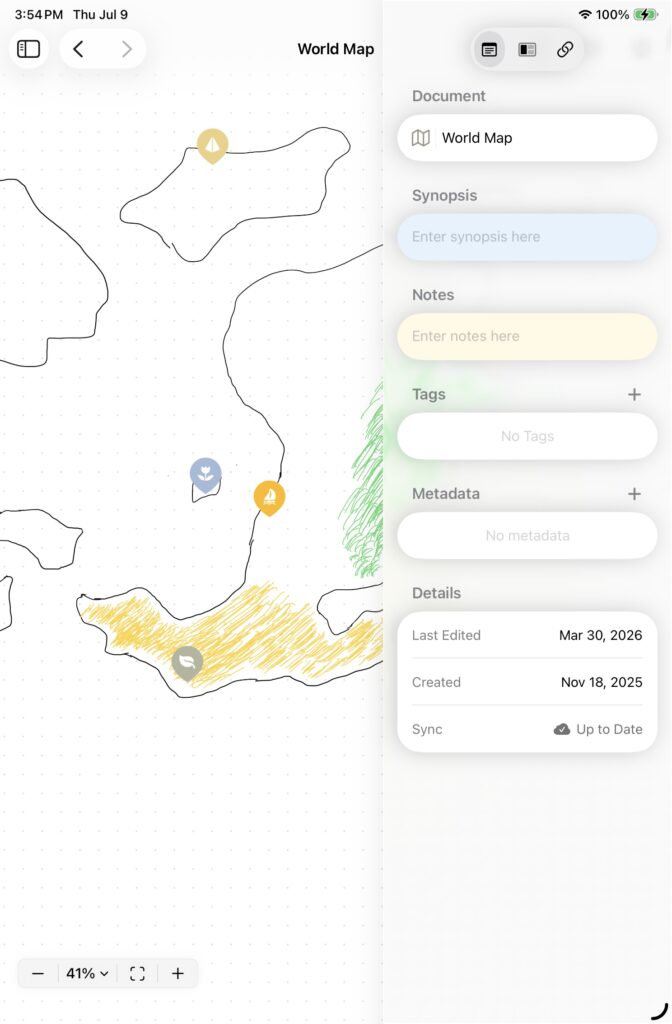
- Improved the overall layout on smaller sized iPads, like the iPad mini, and smaller layout windows.
- Fixed the Markdown editor’s leading and trailing margins not actively resizing when opening/closing the Inspector.
- Fixed a conflict that interrupted the dragging to select text in the Markdown editor, sometimes revealing the Inspector or Organizer.
- Improved the open/close drag interaction for the Inspector.
- Prevented the Inspector from crowding content on iPad-mini-sized screens in portrait.
- Fixed the overall layout animation smoothness regarding the inspector.
- Markdown Editors are themed using the active theme across every editor, the theme editor’s live preview, and the Share/Clip extensions.
- Fixed placeholder text color in the inspector’s synopsis and notes fields in the Inspector.
Sync & Reliability (iOS + Mac)
- Rebuilt iCloud sync error handling: distinct, user-readable errors (iCloud Restricted, Sync Conflict, Server Rejected Request, Configuration Error, Internal Error), logged in Settings › iCloud.
- Fixed an issue which could cause syncing to fail on initial sync and get stuck in an odd path where sync stalls on initial launches.
- Added an “App Update Required” alert when the installed version is no longer compatible with the iCloud sync schema.
- Clip, Share, and Shortcuts/Intents extensions now use a more efficient form of syncing to iCloud.
- Fixed a very small edge case where a conflicted document could get resolved automatically and changed without the user’s consent when the Clip, Share, or Shortcuts/Intents extensions synced and attempted to resolve without a UI.
Final Words:
I hope everyone is having a great summer, here is a photo of my and my wonderful boyfriand!