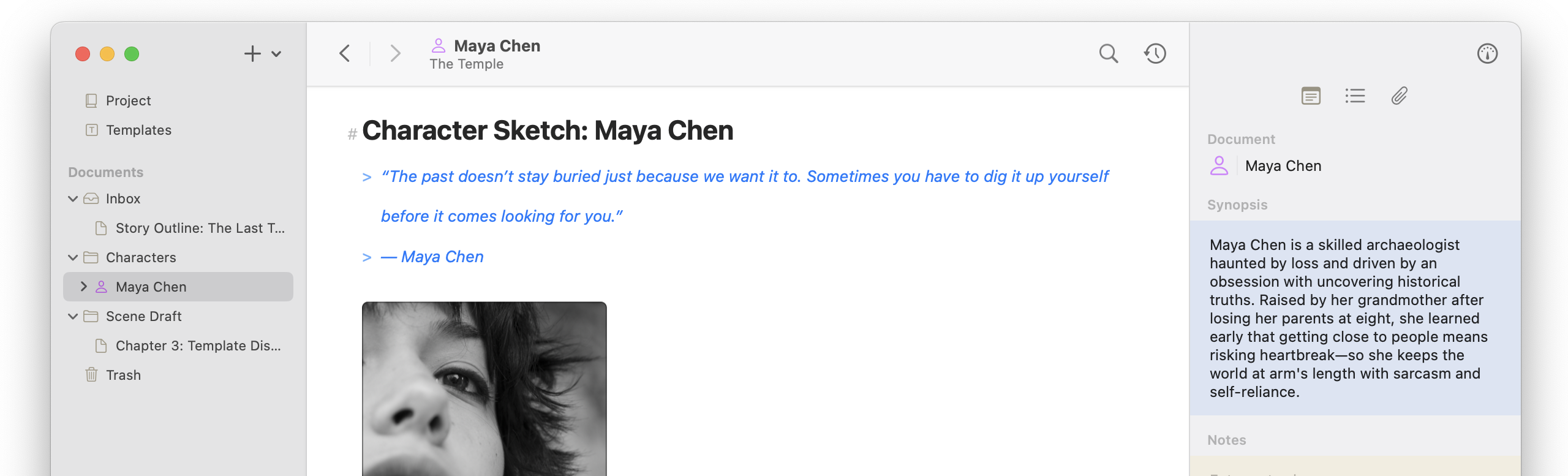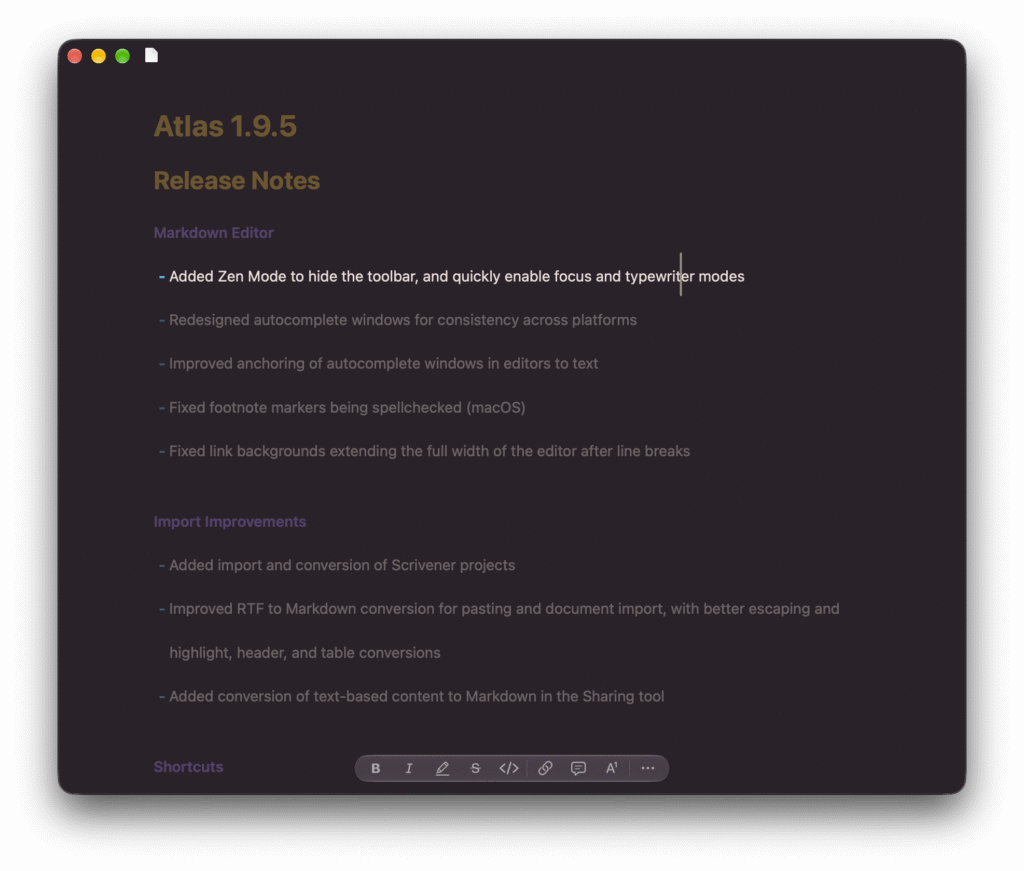
Sometimes it’s nice to just clear everything away. Atlas 1.9.5 introduces Zen Mode, which hides the toolbar and pairs with focus and typewriter modes so only your words remain. This release also adds Scrivener project import, sharper RTF to Markdown conversion, new Shortcuts actions, and batch resizing on the Canvas.
We are getting close to the end of the Snow Leopard updates, so expect to see a few new features soon!
Release Notes
Markdown Editor
- Added Zen Mode to hide the toolbar, and quickly enable focus and typewriter modes
- Redesigned autocomplete windows for consistency across platforms
- Improved anchoring of autocomplete windows in editors to text
- Fixed footnote markers being spellchecked (macOS)
- Fixed link backgrounds extending the full width of the editor after line breaks
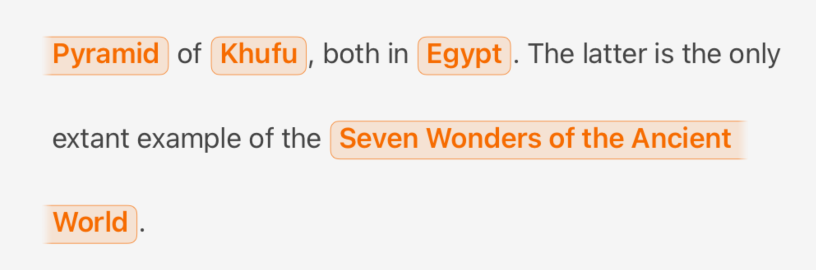
- Fixed trailing, unmatched markers from being auto-linked
Import Improvements
- Added import and conversion of Scrivener projects
- Improved RTF to Markdown conversion for pasting and document import, with better escaping and highlight, header, and table conversions
- Added conversion of text-based content to Markdown in the Sharing tool
Shortcuts
- Improved interlinking of documents, Canvas items, and Canvas groups in Shortcuts
- Added “Get Canvas Group Items” and “Get Canvas Items for Documents” shortcuts
- Expanded filtering and sorting in the Find Canvas Items shortcut
- Fixed the generic “text” filter in the Find Canvas Item shortcut
- Improved labels in Shortcuts outputs
Canvas
- Updated Canvas to zoom to the full group when opening from a URL or shortcut
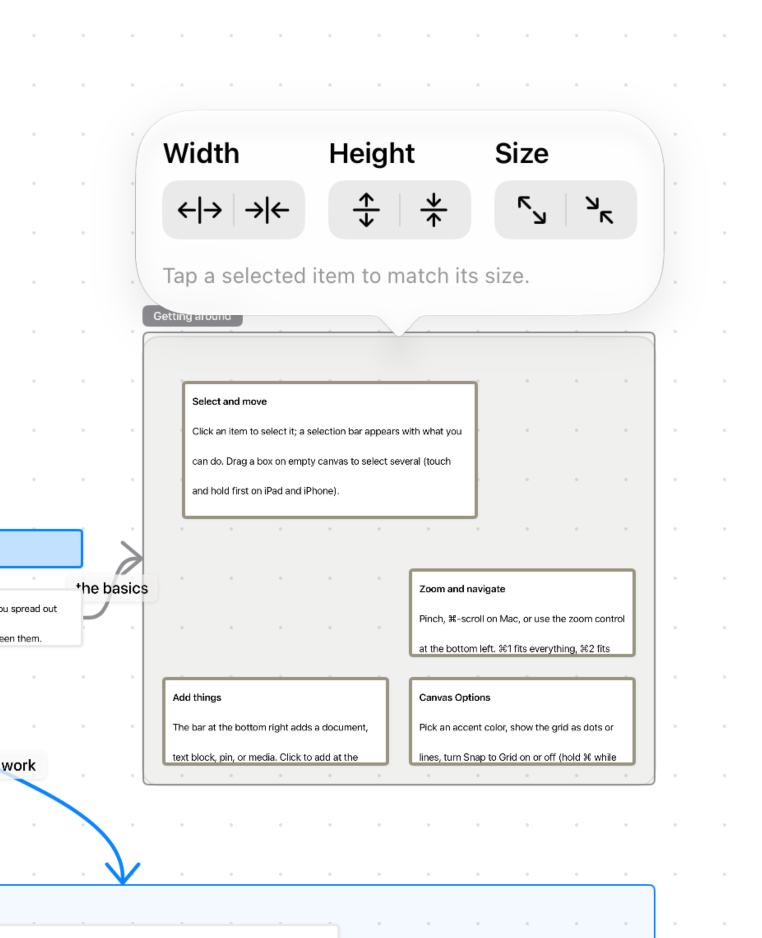
- Added batch resize functions to the Canvas multi-select menu
- Fixed issue where groups disappeared from the Canvas after confirming deletion