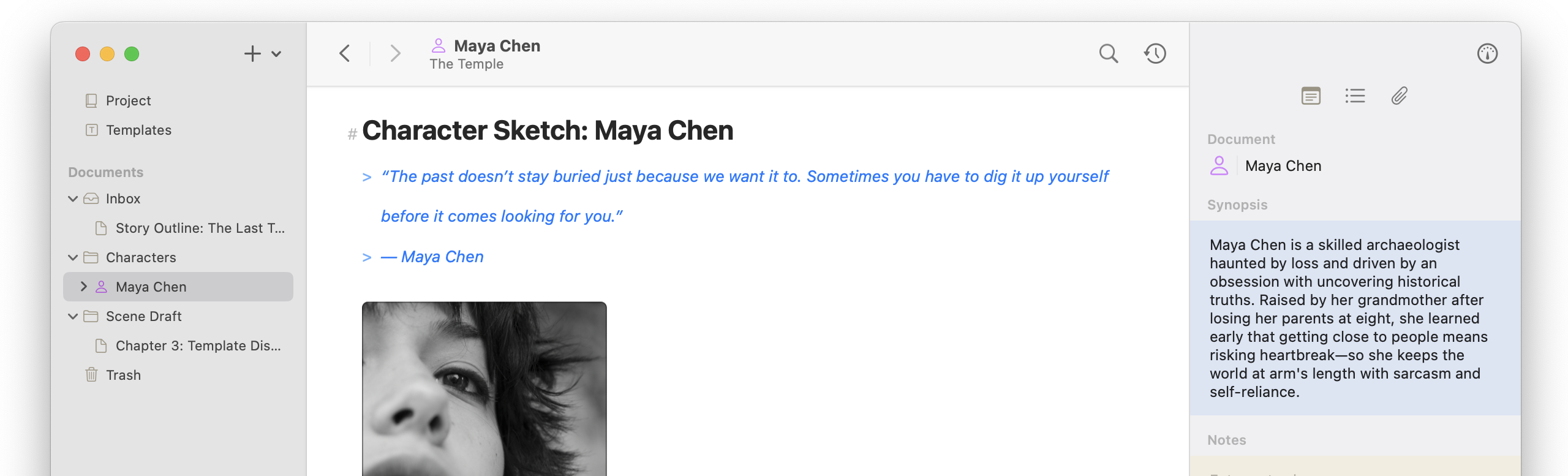
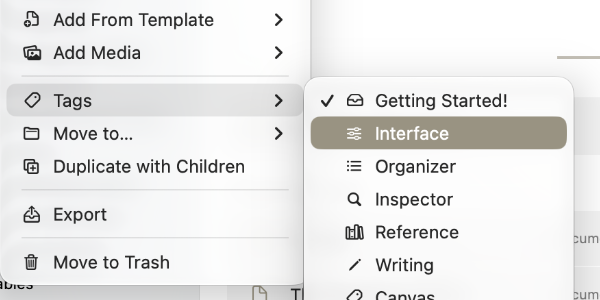
Atlas 1.11.1 is another stability-focused update to the Markdown Editor. Undo and redo are now far more accurate, with better cursor placement, fewer broken undo stacks, and fixes for hangs involving tables and Japanese input. We also resolved several emoji-related crashes and improved wiki-link, link, and variable handling. Beyond the editor, you’ll find a new Tags menu in Document context menus and an in-app browser in the link editor on iOS to view links without leaving your content!
Markdown Editor: Undo and Redo
- Restored undo coalescing (macOS)
- Improved undo stack accuracy
- Improved cursor repositioning after undo and redo
- Improved undo steps when autocompleting wiki-links, variables, and other markdown autocompletion actions
- Fixed table cells creating undo stacks outside the main editor stack
- Fixed undo stack breaking when typing variable names or pasting tables
- Fixed table cells not returning to view when an undo/redo occurs in their contents
- Fixed hang when undoing Japanese input composition
- Fixed hangs when traversing table cells during undo and redo
- Fixed incorrect cursor repositioning when inserting an accent into a character
Markdown Editor: Links, Wiki-Links, and Variables
- Added automatic linking when closing a wiki-link that matches a document title
- Fixed wiki-link autocomplete window not opening from the shortcut keyboard
- Fixed wiki-links failing after incomplete or escaped links earlier in the same line
- Fixed adjacent document variables responding as a single unit
- Updated backslash to escape any ASCII punctuation, following CommonMark principles
- Added in-app browser to the link editor (iOS)
- Fixed Markdown highlight conversion in link and image URLs
- Fixed Image contents in Link Editor
- Fixed backspacing between images and the start of links breaking link-tokens
Markdown Editor: Tables
- Fixed cutting text with a selection ending against a table not removing the text
- Improved performance in documents with many tables
- Fixed lag caused by equations nested in tables
- Improved alignment of cursor at the edge when clicking into a cell
Organizer and Folder Outline
- Added Tags menu to the Document context menu
- Reorganized Document context menus for consistency
- Fixed focus not transferring to selected Folder Outline items (iOS)
Other Improvements
- Fixed crashes and undo stack breaking with specific emoji
- Fixed crash when a flag emoji preceded an image
- Fixed crash when applying formatting with an emoji near the end of a line
- Fixed numbered lists starting past 1 missing start=“N” in HTML
- Fixed goal type and unit pickers showing only checkmarks (macOS)
- Fixed “Move to” and “Duplicate” disabled in the menu bar while editing text documents (macOS)
- Fixed stale images appearing in the gallery after another device’s changes synced