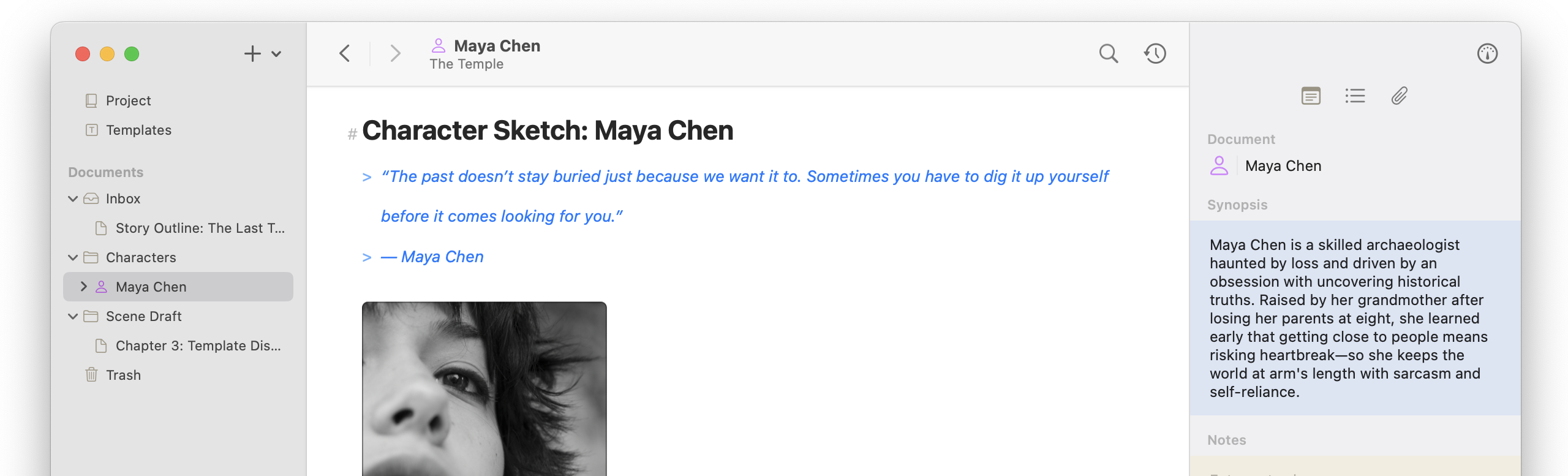
Finally! Atlas gains syntax code highlighting! Code blocks now have syntax highlighting, a language picker, and n improved design, with new setting options for tab widths and syntax visibility. Syntax highlighting also carries through to export, print, and copy as rich text or html. Additionally, this release also makes the Canvas faster to fill and safer to edit, with bulk paste and drop, copy and paste for cards, and undo for removals. Just select whatever you want in Finder and drop it all in.
Markdown Editor
- Added ⌃⌥ arrow shortcuts to move table rows and columns
- Improved mixed link and image menus
- Improved table keyboard handling for selected cells: ⌘C, ⌘X, typing, Backspace, paste, Escape, arrows, Return/Tab, and ⌘A
- Updated the table handle menu to enable only valid commands
- Updated blockquote shortcut from ⌘D to the standard ⌘’
- Fixed several editing oddities around tables
Code Blocks and Syntax Highlighting
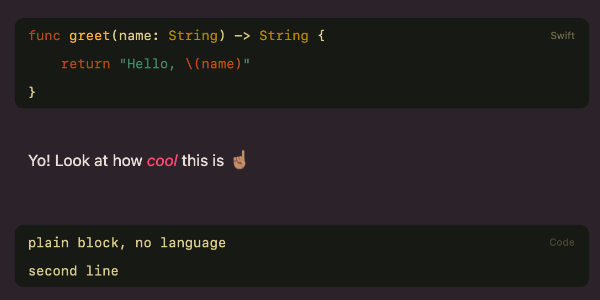
- Added syntax highlighting to code blocks
- Added language picker to code blocks
- Redesigned code blocks in the editor
- Added setting to automatically add a language when creating code blocks
- Added syntax visibility toggle: always, never, or when active
- Added customizable tab widths for code blocks
- Added Code Blocks section to Editor Settings for configuring style and behavior
- Updated code lines to type like a code editor: indent, Return, and no substitutions or spellcheck
- Added syntax highlighting to HTML, ePub, PDF, RTF/RTFD, Print, and Copy as Rich Text
Canvas
- Added bulk paste and drop of images, URLs, and documents into the Canvas
- Added Paste to the Canvas background menu
- Added copy, cut, and paste for Canvas cards
- Added undo and redo for removing cards from the Canvas
- Replaced confirmation when removing items from the Canvas with ⌥Remove to show a confirmation with an option to delete Canvas items and documents
- Fixed indexing loop when viewing Canvases containing images
- Fixed Backspace key not removing items on iPad (iOS)
Folders and Organizer
- Updated pasted and dropped documents to keep their order when added
- Updated Markdown import from paste or drop to convert to Atlas dialect
- Enabled Paste in the Edit menu when external documents or URLs are on the clipboard
- Updated pasting existing documents into the Organizer or a folder to move them