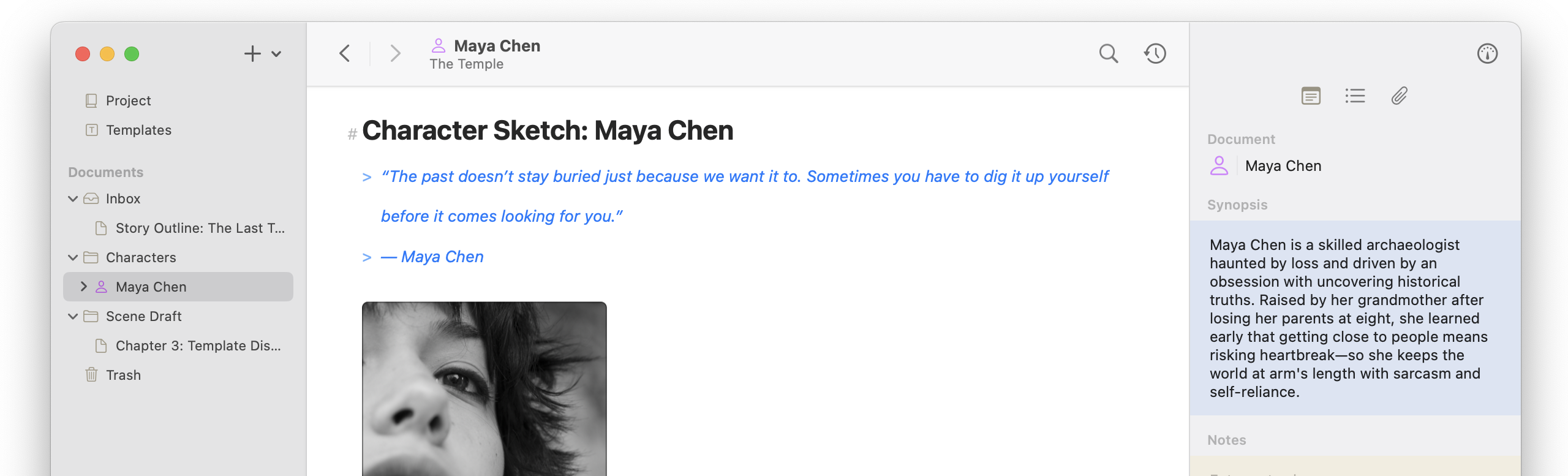
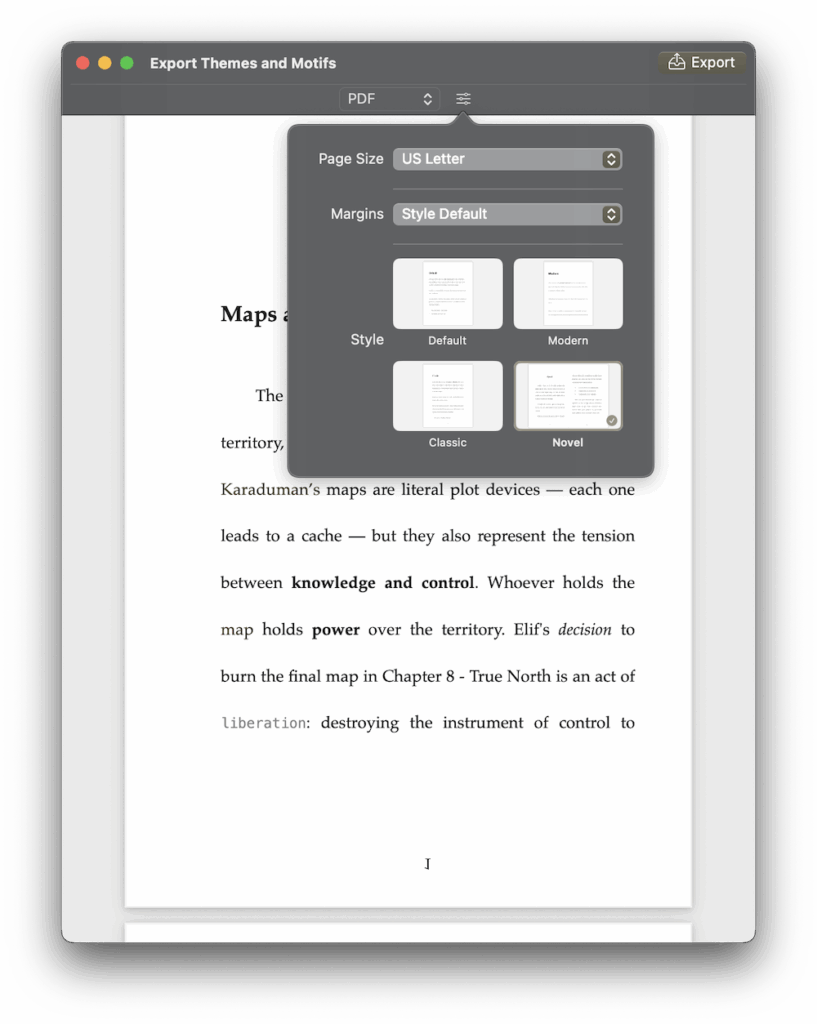
Atlas 1.2.0 adds several features that have been lacking—true PDF export support, custom styles for HTML, ePub, and PDF support, and Markdown editor find and replace.
Release Notes
Custom Export Styles (New Feature)
- Added Custom Export Styles for HTML, ePub, and PDF (iOS + macOS)
- Export styles can now be duplicated, exported, and customized in Settings (iOS + macOS)
- Introduced new CSS and pdfstyle formats to support export style customization (iOS + macOS)
- Added support for importing Ulysses ulstyle packages for export styling (iOS + macOS)
- Added new “Novel” built-in PDF style (iOS + macOS)
Export Improvements
- Improved PDF exporting for more dynamic layouts (iOS + macOS)
- Expanded style preview options in Export Preview (iOS + macOS)
- Improved escape character handling: now highlighted in the editor and removed from HTML, ePub, and PDF exports (iOS + macOS)
Find & Replace
- Added Find & Replace to the Markdown Editor (⌘F / ⌘G on macOS, “Find in Document” in the More menu on iOS) (iOS + macOS)
Inspector
- Added menu option and keyboard shortcut (⌘⌥I) to toggle the Inspector (iOS + macOS)
Help & Documentation
- Linked Atlas Help Documents (iOS + macOS)
Bug Fixes
- Fixed crash that could occur when opening documents (iOS)
- Fixed issue preventing settings from syncing between devices (iOS)