This update brings big improvements to tables’ abilities to move between apps, with new options for copying rows, columns, and full tables as plain text, CSV, Markdown, or HTML, alongside more capable Rosetta table decoding for paste and web clipper conversions into Markdown Tables; this version also also adds missing metadata/frontmatter support for project export and import, a redesigned Project Home with stats and tags, a streamlined “Copy as…”/”Paste from…” menu to support the new conversions, plus fixes for project statistics on import and web card scrolling on iPadOS.
The Full Release Notes
Table Copy, Paste, and Export
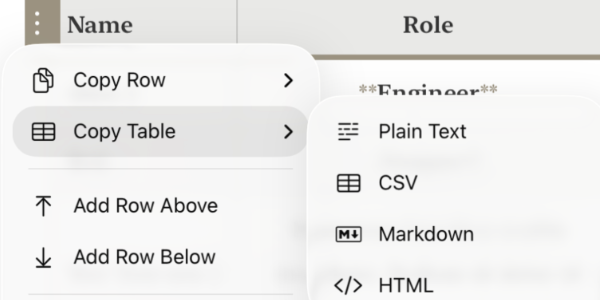
– Added Copy Tables option, supporting plain text, CSV, Markdown, or HTML (iOS + macOS)
– Expanded Copy Row(s)/Copy Column(s) for Tables to support plain text, CSV, Markdown, or HTML (iOS + macOS)
– Improved Rosetta table decoding for more accurate paste and web clipper table conversions to Markdown (iOS + macOS)
General Improvements
– Added support for exporting frontmatter and metadata settings with full project export (iOS + macOS)
– Added support for importing metadata from an exported projects (iOS + macOS)
– Added “Copy as…” and “Paste from…” menus with plain-text, HTML, and rich-text conversion support (iOS + macOS)
– Improved Organizer menus to make “Back to Project” easier to find (iOS)
– Added Organizer display when launching a Workspace on iPad at a size that triggers floating mode (iPadOS)
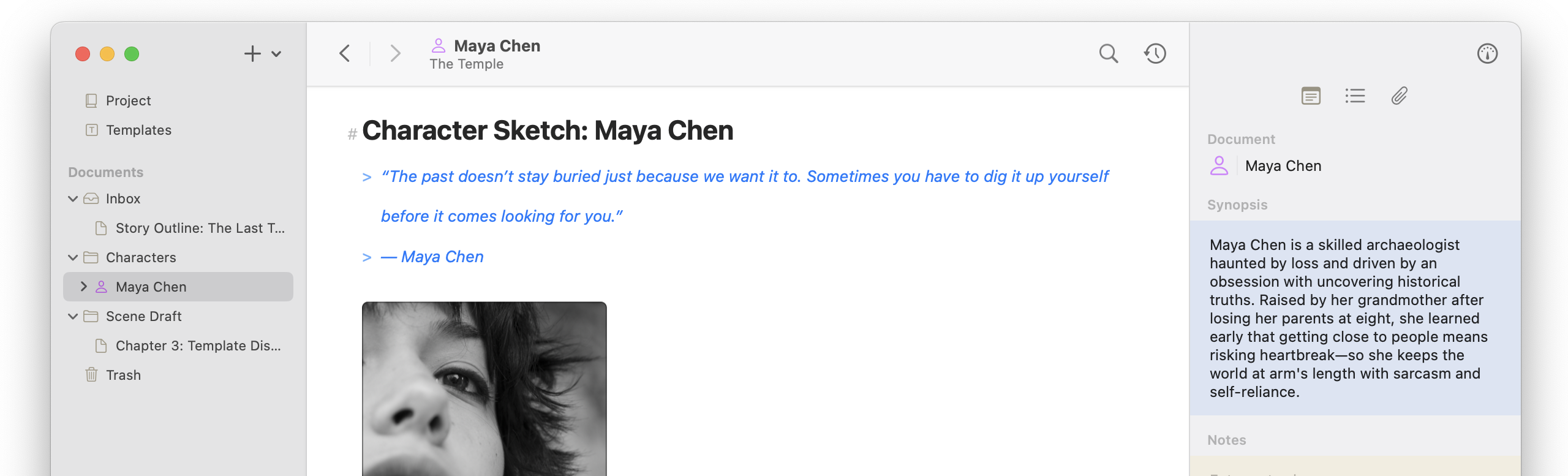
– Rebuilt Project Home layout, adding stats and tags (iOS + macOS)
– Added ability to launch the Sample/Tour project from the paywall (iOS + macOS)
Bug Fixes
– Fixed issue where imported project documents didn’t generate linking or statistics (iOS + macOS)
– Fixed issue where the web view didn’t become active or scroll when a web card was selected on the Canvas (iPadOS)