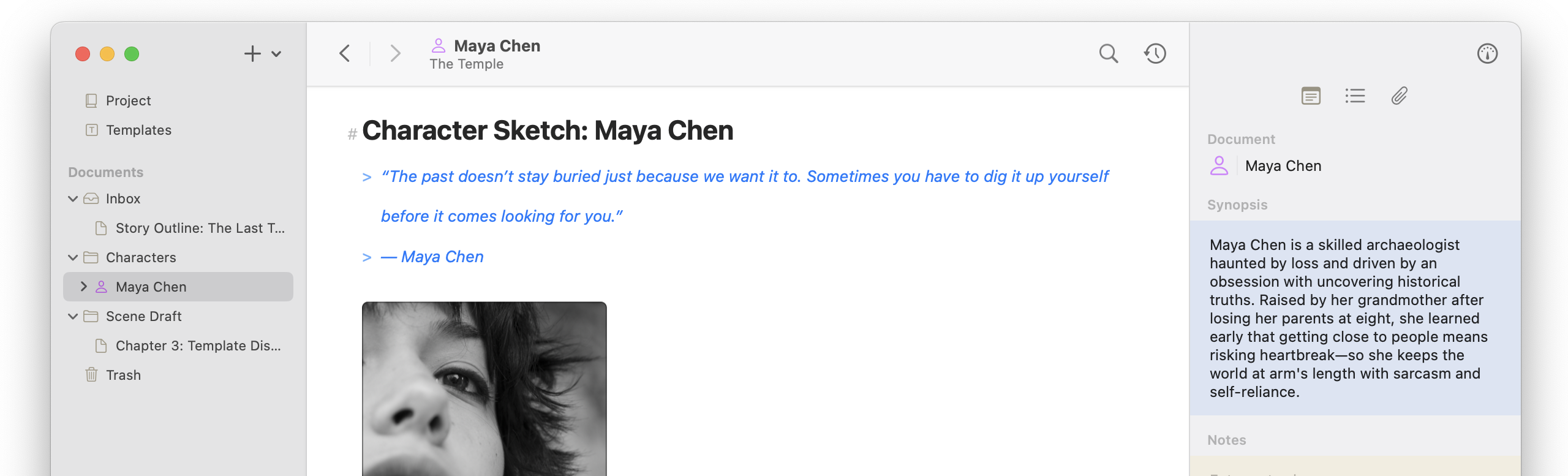
This release focuses on wrapping up Typewriter Scrolling and Focus Mode by adding them to Continuous Mode, a heap of minor updates, and several canvas edge case improvements. There’s also one major oopsie-doopsie fix that caused large images in the Canvas to grind it to a halt; basically, I was accidentally loading the entire image into memory to get the size and ratio, causing a massive memory spike and waste of cycles. The worst part is that the solution was built into the canvas rendering from the beginning, but I accidentally bypassed it 🫠. Thanks mkg reporting this!
Canvas Improvements
- Added option to keep pin titles visible (iOS + macOS)
- Added Option-click support to delete the canvas item and document from the canvas menu (iOS + macOS)
- Improved placeholder design for large canvas images while loading (iOS + macOS)
- Improved Pin Editor design consistency (macOS)
- Added automatic popover sizing to the Pin Editor (macOS)
- Fixed dragged canvas items becoming misaligned with the cursor as the canvas responsively adjusted its bounds (iOS + macOS)
- Fixed massive slowdown associated with large images on the canvas during ratio calculation (iOS + macOS)
- Fixed crash when editing canvas pin contents (iOS + macOS)
Editor Improvements
- Added Typewriter Scrolling to the continuous editor (iOS + macOS)
- Added Focus Mode to the continuous editor (iOS + macOS)
- Added Typewriter Scrolling and Focus Mode options to the continuous editor’s More menu (iOS)
- Improved Typewriter Scrolling centering behavior (iOS + macOS)
- Improved Typewriter Scrolling positioning when opening and closing the software keyboard (iOS)
Bug Fixes
- Fixed images not being droppable in the markdown editor (iOS + macOS)
- Fixed graphical issues with Liquid Glass on the Conflict Comparison screen (iOS + macOS)
- Added log export option (iOS + macOS)