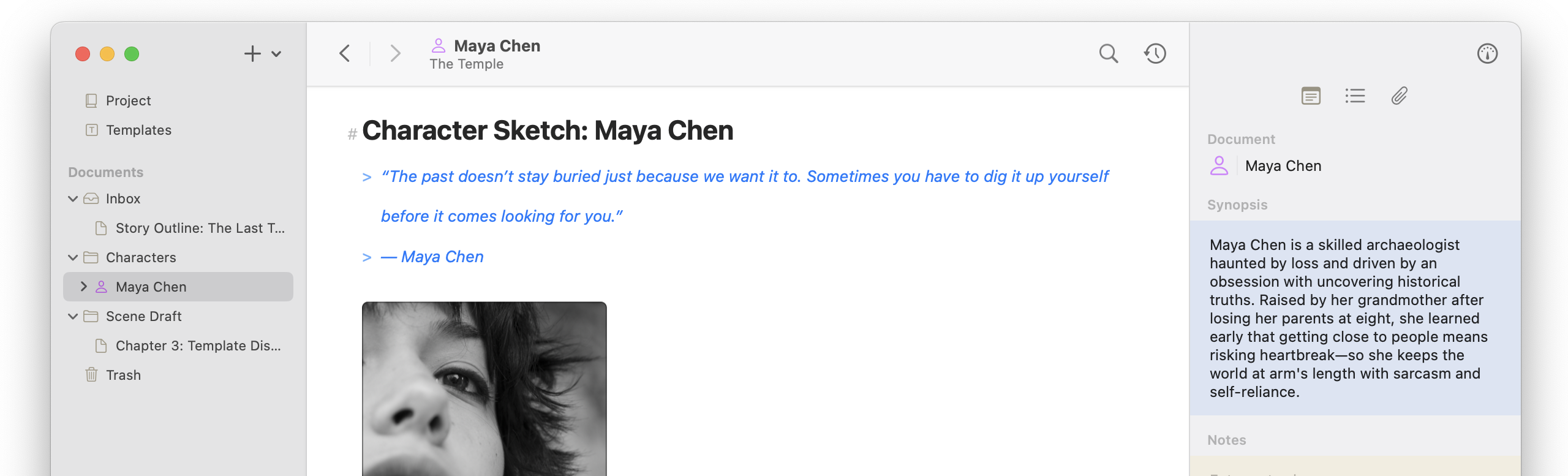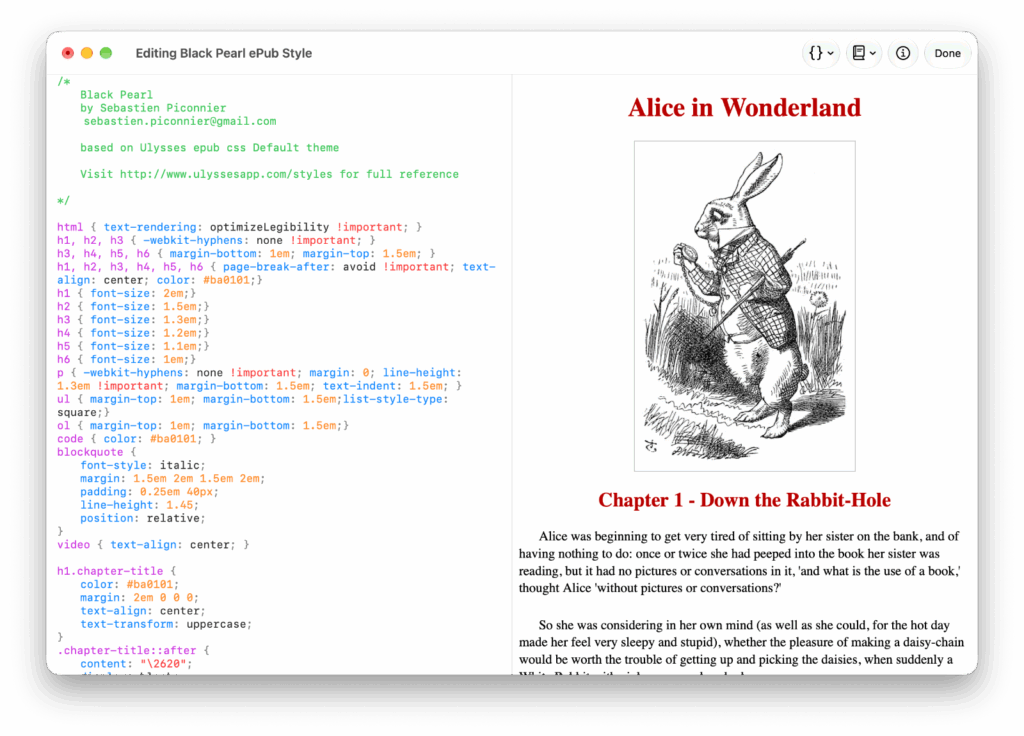
Atlas 1.6.3 comes quickly after the last update, focused on Export Styles and Editor Themes! This release added a new editor for customizing HTML and PDF styles, complete with live preview, which can be found in Export Styles settings when Customizing. It also improved the accuracy of Ulysses theme imports and fixed several related theming bugs. Finally, Atlas added a text zoom shortcut to the Markdown Editor using ⌘+ and ⌘-.
New Features
- Added Export Style editor for HTML and ePub styles, with live CSS highlighting and preview (iOS + macOS)
- Added built-in texts and a switcher to the Theme Editor (iOS + macOS)
- Added text zoom shortcuts to the Markdown Editor (
⌘+and⌘-) (iOS + macOS)
Theme & Export Improvements
- Improved color conversion when importing Ulysses themes (iOS + macOS)
- Updated “Share” wording to “Export” for Editor Themes and Export Styles (iOS + macOS)
- Added delete confirmation for Editor Styles (iOS + macOS)
- Added notice when Ulysses PDF themes may differ on import (iOS + macOS)
Bug Fixes
- Fixed issue where Ulysses editor theme importing could skip annotations, equation, or footnote coloring during conversion (iOS + macOS)
- Fixed issue where the Theme Editor preview failed to render annotations and footnote markdown after reload (iOS + macOS)
- Fixed issue where transparent background settings for highlight formatting and table backgrounds still rendered a color (iOS + macOS)
- Fixed issue where Atlas-created ePub styles didn’t import accurately (iOS + macOS)
- Fixed issue where built-in Editor Styles could be edited (macOS)
- Fixed an issue where imported Editor Theme Previews didn’t render until settings was reloaded (iOS + macOS)
- Fixed sizing and layout issues in Export Styles settings (macOS)