Quick Tags, Effort Tracking, and minor touch-ups.
It’s been awhile since I’ve made a post on the blog with Fox updates, but here we are! There’s a batch of new features coming in this update and a ton of fixes as well.
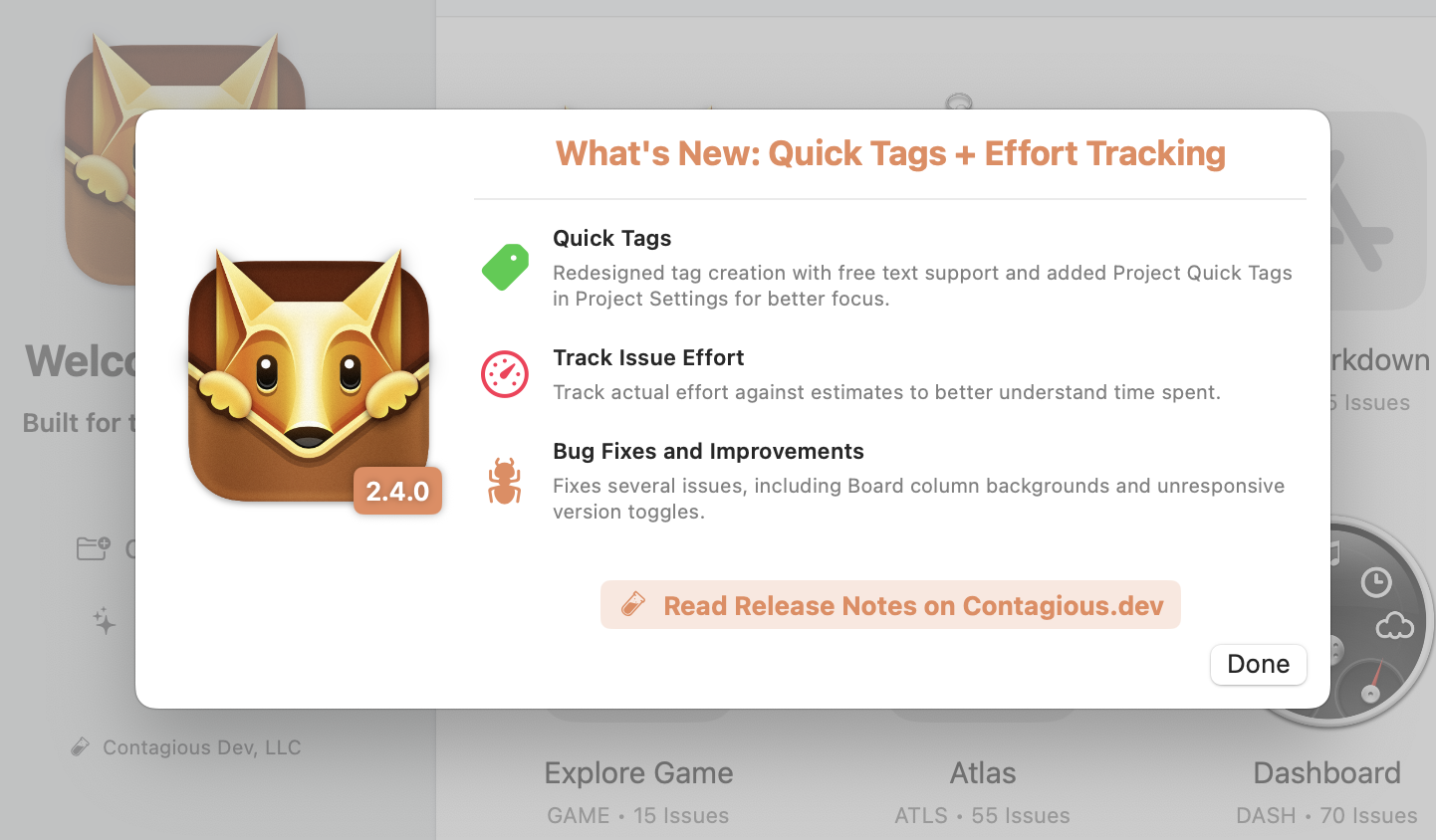
New Features:
– Quick Tags: Select which tags appear in tag menus through the Project Settings section.
– Free-form tag entry with autocomplete for previously added tags on macOS.
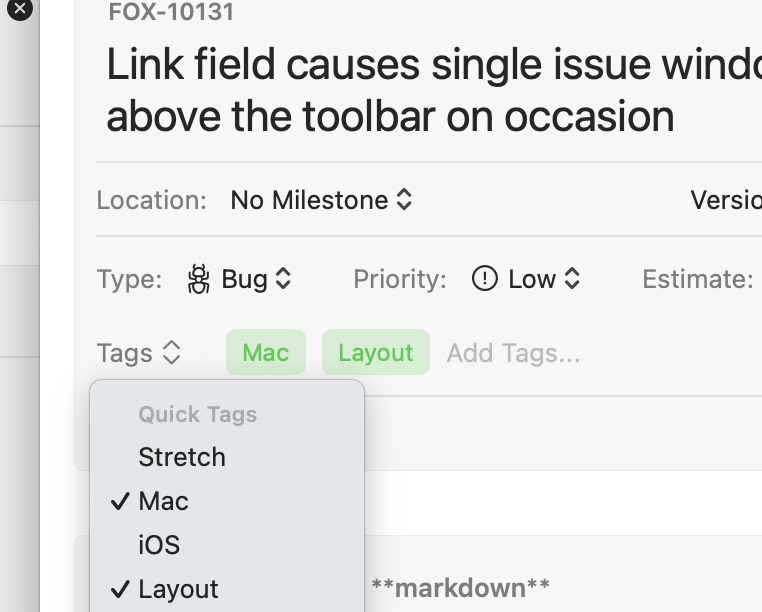
– Quick-search and create new tags directly in the tag picker on iOS.
– Track issue effort after completion in the resolution section and see it’s status on issues an in the Kanban board.
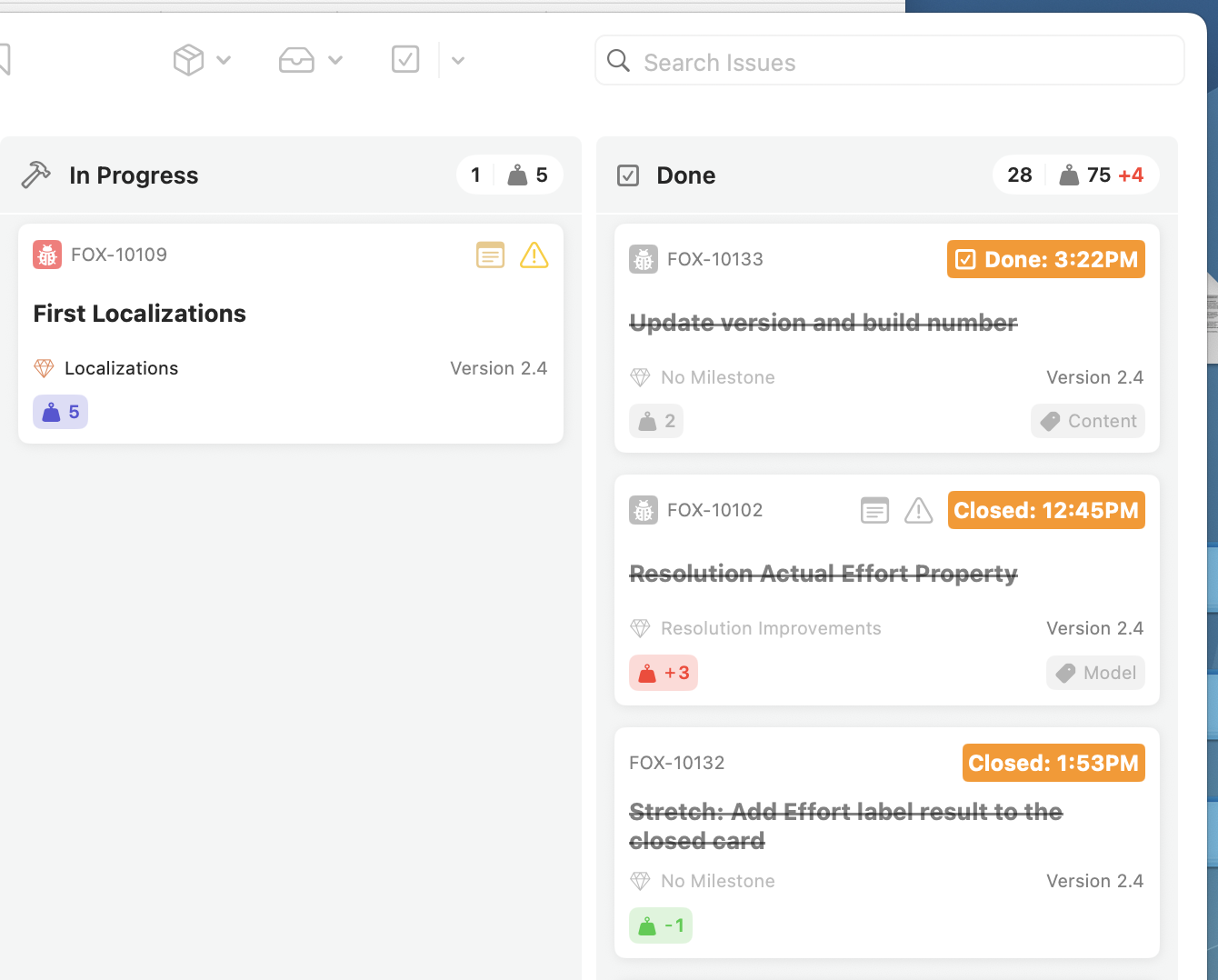
– View total issue efforts compared to estimates in “Done” type board columns.
– “Convert to Issue” option for subtasks that automatically links the parent issue.
– Updated About Fox window with a thank you note and credits to the people who made Fox possible.
– New badge on the What’s New button in the Project Picker.
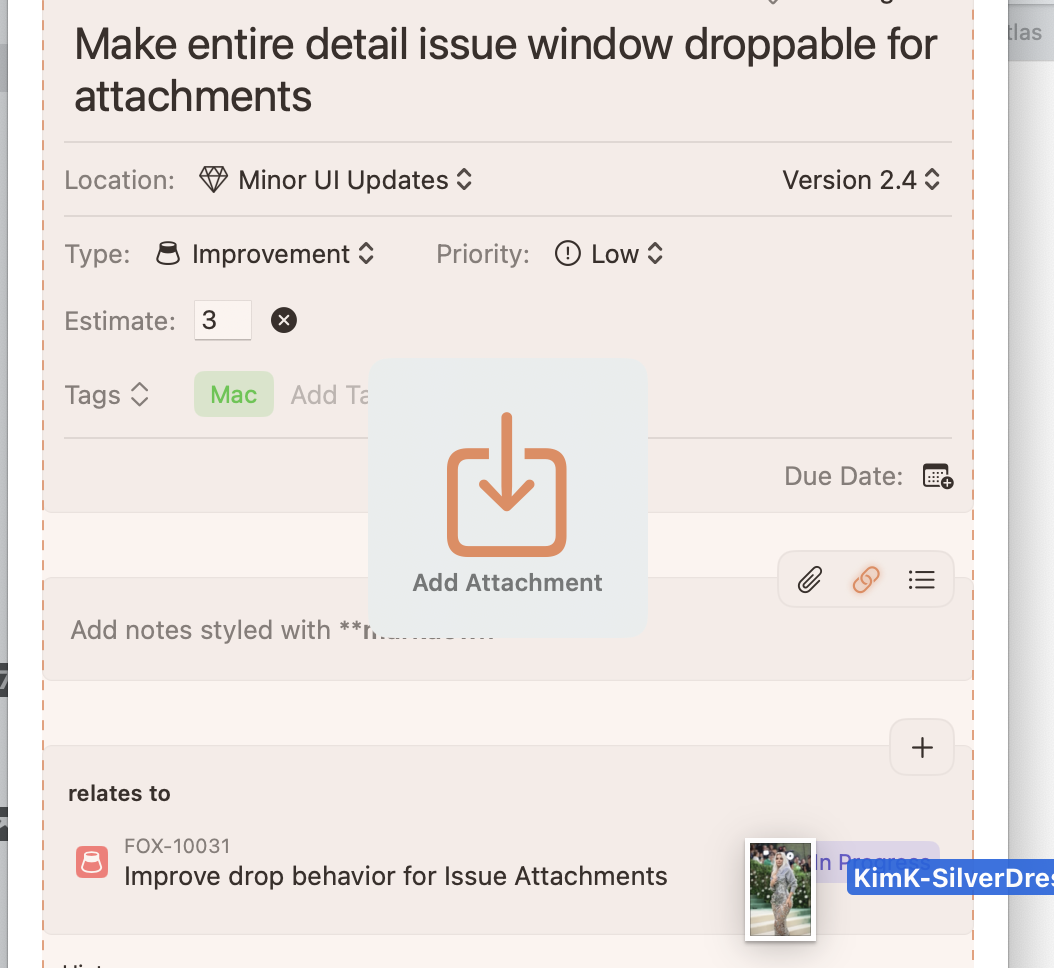
– Issues on macOS can have attachments dropped directly on the window now
Bug Fixes:
– Fixed unresponsive milestone/version toggles on macOS when clearing selections after initial load. (Thank you Seth!)
– Fixed board column backgrounds losing color and appearing as solid white—particularly problematic in dark mode.
– Fixed an issue with saving orders that could cause high process usage with large datasets.
– Fixed the Create New Issue menu (and CMD+N) not working when a single issue window is focused.
– Fixed an issue on iPad where selected item contents weren’t visible in the navigator.