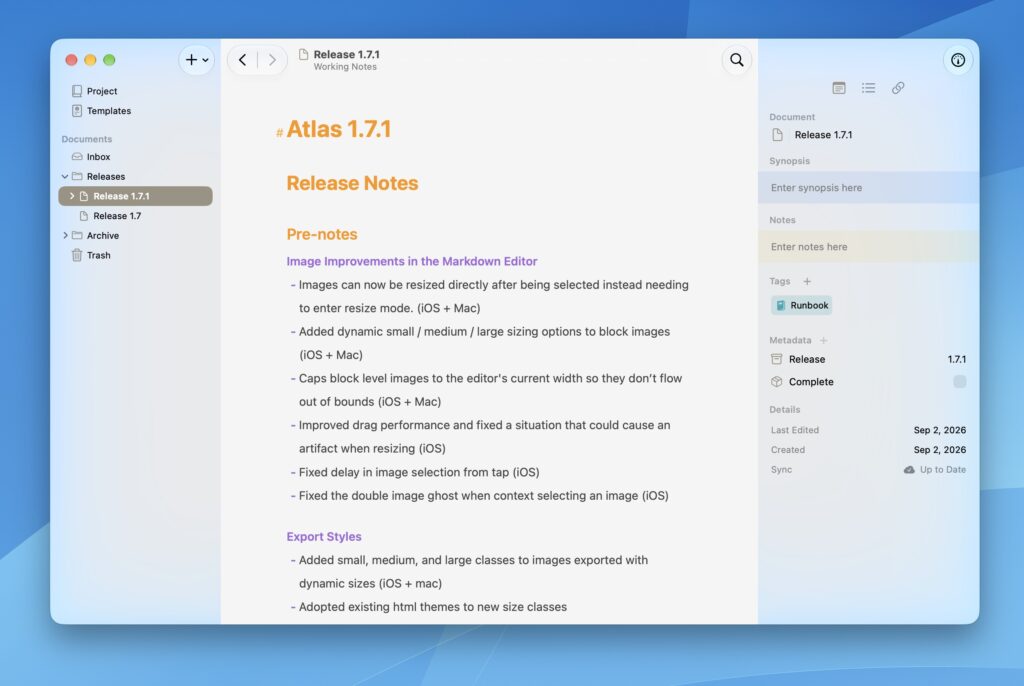
This release wraps up some items, bugs, and improvements that didn’t make the cut for the previous. Images in Atlas’s markdown editor now resizes smooth as butter, and you don’t even need to enter a resize mode anymore to start. Just select and grab the handle. There are also a new options for small, medium, and large dynamic size options that will also tag HTML on export so Export Styles can hook into them.
Release Notes
Image Improvements in the Markdown Editor
- Improved image resizing to work directly after selection, without entering resize mode (iOS + macOS)
- Added small, medium, and large resizing options to block images (iOS + macOS)
- Capped block-level images to the editor’s current width (iOS + macOS)
- Improved drag performance when resizing images (iOS)
- Fixed image artifact that could appear when resizing (iOS)
- Fixed delay in image selection from tap (iOS)
- Fixed double image ghost when context selecting an image (iOS)
Export Styles
- Added small, medium, and large support images exported with dynamic sizes in HTML and ePub (iOS + macOS)
- Updated existing html themes for new image size classes (iOS + macOS)
- Improved inline ePub css (iOS + Mac)
- Improved ePub image compression (iOS + Mac)
- Added new ePub theme (iOS + macOS)
Editor Improvements
- Added Recent Items Menu, Forward, and Back options to iPadOS menu bar (iOS)
- Added Forward and Back keyboard shortcuts (iOS)
- Added liquid glass UI polish (macOS)
- Added inline text formatting option to the block formatting bar (macOS)
- Increased editor theme default header sizes (iOS + macOS)
- Added Edit Projects button to Project Settings (macOS)
- Added Recent Projects shortcut to the Window menu and Dock (iOS + macOS)
Bug Fixes
- Fixed large pasted markdown content not rendering immediately (macOS)
- Removed duplicate accessory bar on iPadOS keyboard (iOS)
- Fixed cursor jumping to the bottom of a document when dismissing from a cell (iOS)