
Atlas Icon

Atlas Compared to the Competition:

A quick cross comparison

Picking the perfect writing app to settle into is hard. Take a look at table below to compare Atlas with other popular writing apps across the features that shape day-to-day writing, collection, and creating, so you can judge for yourself where each one lands.

Feature Atlas Scrivener Ulysses Obsidian Ellipsus iA Writer
One-time purchase option
Lifetime available
Subscription only Free / Sub add-ons
$99 Plus, or free
Native Apple apps — —
Windows support — —
Browser only
Editor theme customizer
Visual, per-element
—
CSS only

Theme builder (Plus)

3 fonts
Wiki-style links & backlinks — —
Infinite canvas with connections
Corkboard
— — —
Apple Pencil sketching — —
Plugin
— —
Built-In Web Clipper — — — —
Varied document types
Text, canvas, media, web & sketch

Text, canvas, media, web
—
Text + canvas

Text + images

Text + embeds
Cross-device sync
Seamless iCloud

Manual via Dropbox

Paid add-on

Online only
Comparison conflict merging/Snapshotting — — —
Draft merging
—
Document History
Detailed, Comparable, cross-device

Simple list

Simple list

Paid add-on

30 days; unlimited Plus

Via System
ePub and PDF Exporting
Plugins

PDF only
Dynamic Export Styling — — —
Shortcut & Intents Support —
Plugins
—

How does Atlas stand out?

A Fully Customizable and Focused Editor

A syncing interface on Atlas

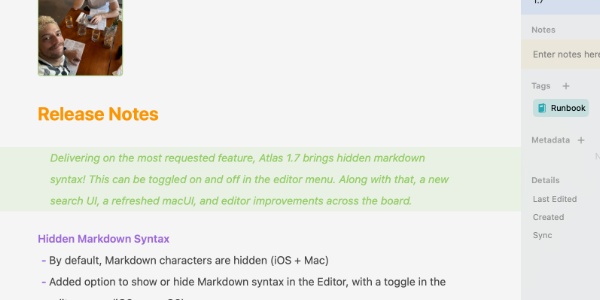
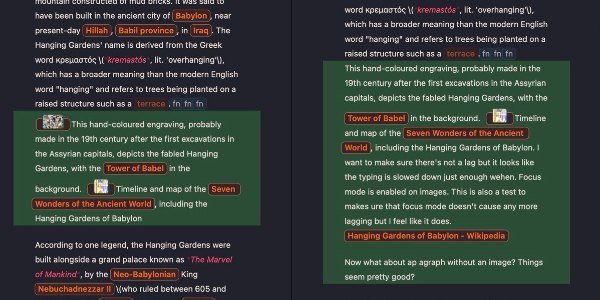
An editor that doesn’t lock you into a specific style or font choice but still supports all the features needed to help you focus on your written prose like Focus Mode and Typewriter Scrolling. Markdown Syntax can be optionally hidden, images and tables render, custom fonts—it’s how you want to write.

Real Syncing and Document History

A syncing interface on Atlas

Open a Project in multiple places without worry of losing a thing. Using iCloud, Atlas treats your documents carefully with a unified history from each device, and instead of dumping all of your content into duplicate recovery folders or duplicating entire projects, works with you to ensure nothing is ever lost.

A Full Creative Workspace

The Atlas Organizer

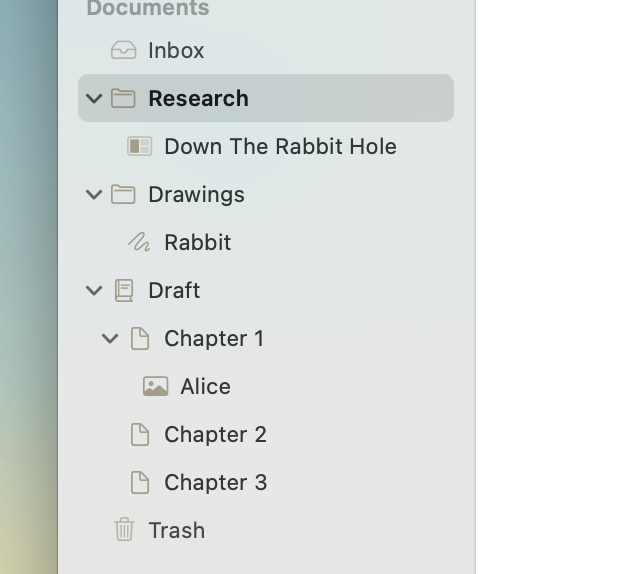
More than just a writing app, Atlas is designed to house all of the content that helps power your projects: research, drafts, images, web-page references, and more.

Powerful Web Clipper

The Atlas Web Clipper

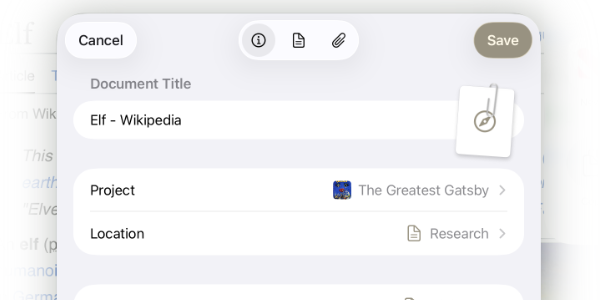
The Web Clipper pulls webpages into Atlas as clean, readable Markdown with article text extracted, images pulled out, the navigation and ads left behind, and lets you choose where it lands and what to keep.

What Others Have Said

Atlas has all my favorite features from across all the notes apps I’ve tried, and then some. I’ve been on the hunt for the perfect whiteboarding app where I could not only collect websites & documents, but actually use them side by side, and Atlas delivers on those fronts.
App Store Review
If you are looking for a writing app, install this no matter what. You will soon be deleting all your past writing apps (Scrivener, Ulysses, and others...). Just like I did.
App Store Review
An incredibly well-thought-out tool for all types of writing projects, from ideation to publishing. The design is elegant yet functional, with nuances only fellow writers can appreciate. I have it installed on my iPhone, iPad and MacBook, but I like the iPad version best, because I can use my Apple Pencil to draw and write on it.
App Store Review
I've completely moved off Ulysses in favor of Atlas. There are some rough spots but I really do enjoy this app so much better. Just being able to keep all my research in a single place is ideal.
Atlas User