Is Atlas a good alternative to Scrivener?
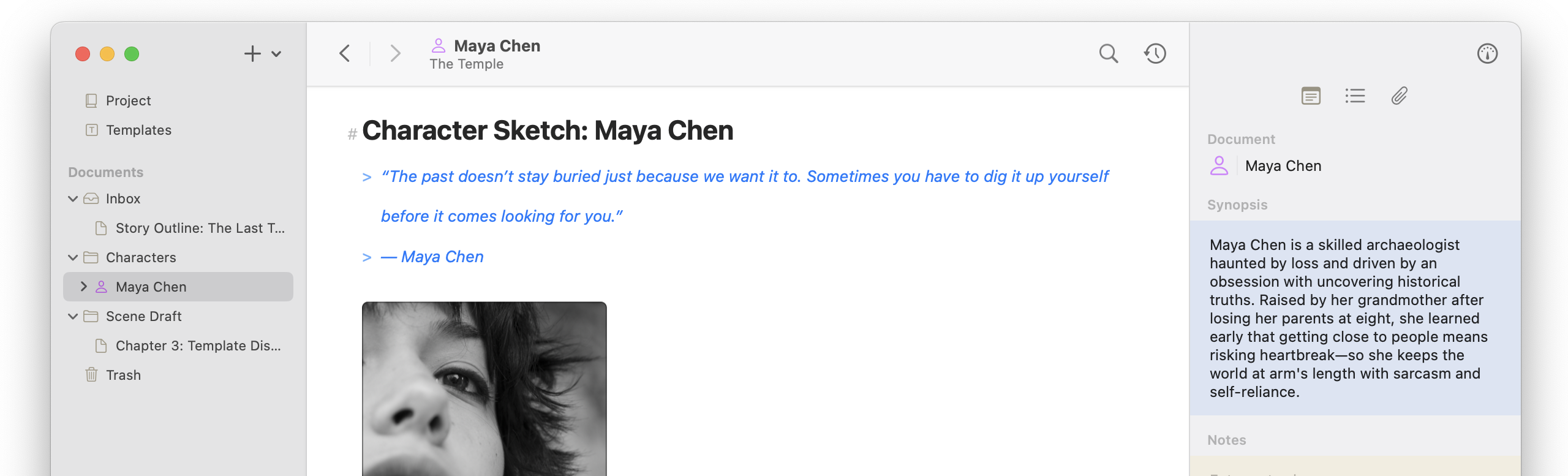
Atlas has been built from day one to improve on the industry standards that Scrivener has set by refining and expanding its feature set. It is also built for the modern day and updated to meet the part. We are biased, but without a doubt, if you use Scrivener, you will be pleasantly surprised with the familiarity yet fresh take Atlas presents.
Can’t I just save .scriv files to my iCloud Drive / Dropbox / Sync Service with Scrivener to sync?
Of course you can! But you’ll be seeing this warning to the right at least once, if not often, depending on how you work:
Meanwhile in Atlas, you can open even the same document and make edits simultaneously between devices, and they will seamlessly merge when possible. Where they can’t, Atlas will help you compare, edit, and ensure copies are snapped into the document’s history so nothing is ever lost.
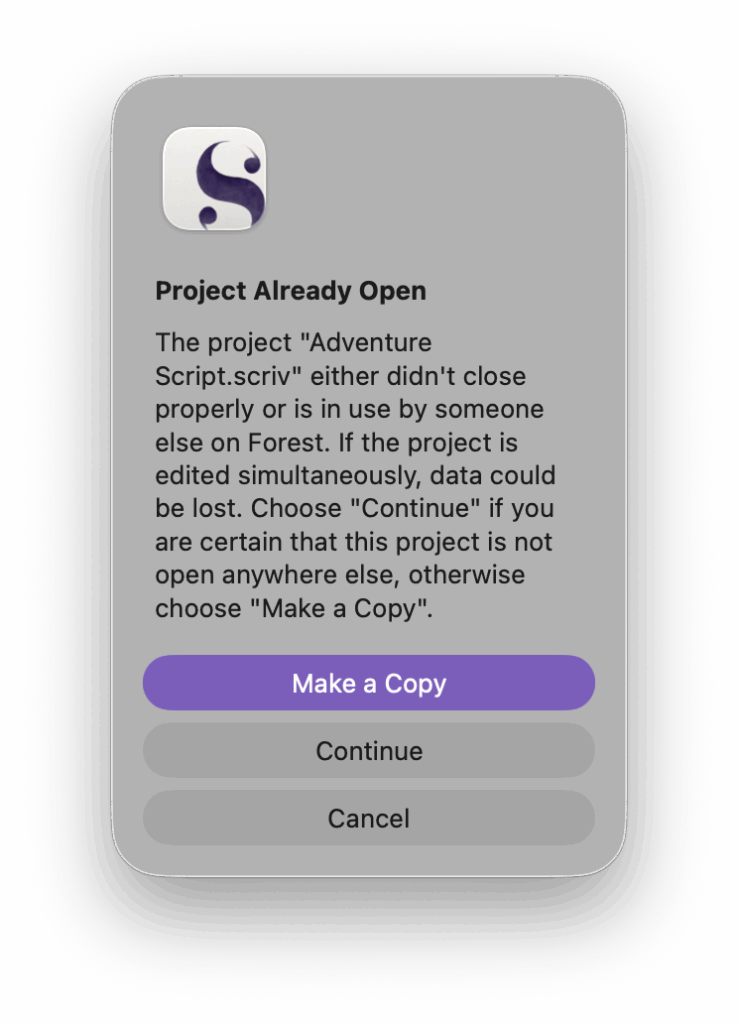
The Scrivener Opened In Multiple Places Error
Where is my content stored?
Atlas stores your content on device, and when iCloud is enabled, synced through your private iCloud container, which can only be accessed by you. This includes all versions and all meta-content. Atlas’s goal is to keep your data safe and be reliable place for your passion.
On the filesystem, Atlas’s content is found in ~/Library/Group Containers/group.dev.contagious.atlas/. Keep in mind: files edited directly outside of Atlas won’t be updated through iCloud until the next time opened in Atlas.
Import / export / compiling—what’s the sitch?
While Atlas holds your documents in a private location for safe keeping, it can seamlessly import and export Markdown documents, including Metadata-to-Frontmatter conversion. However, the Export tool is a much more capable compiler, able to produce full MD, ePub, or PDF documents with swappable styling and customizable in various ways across the available formats. Even more, Atlas also supports importing and exporting canvases via Canvas format for maximum compatibility.