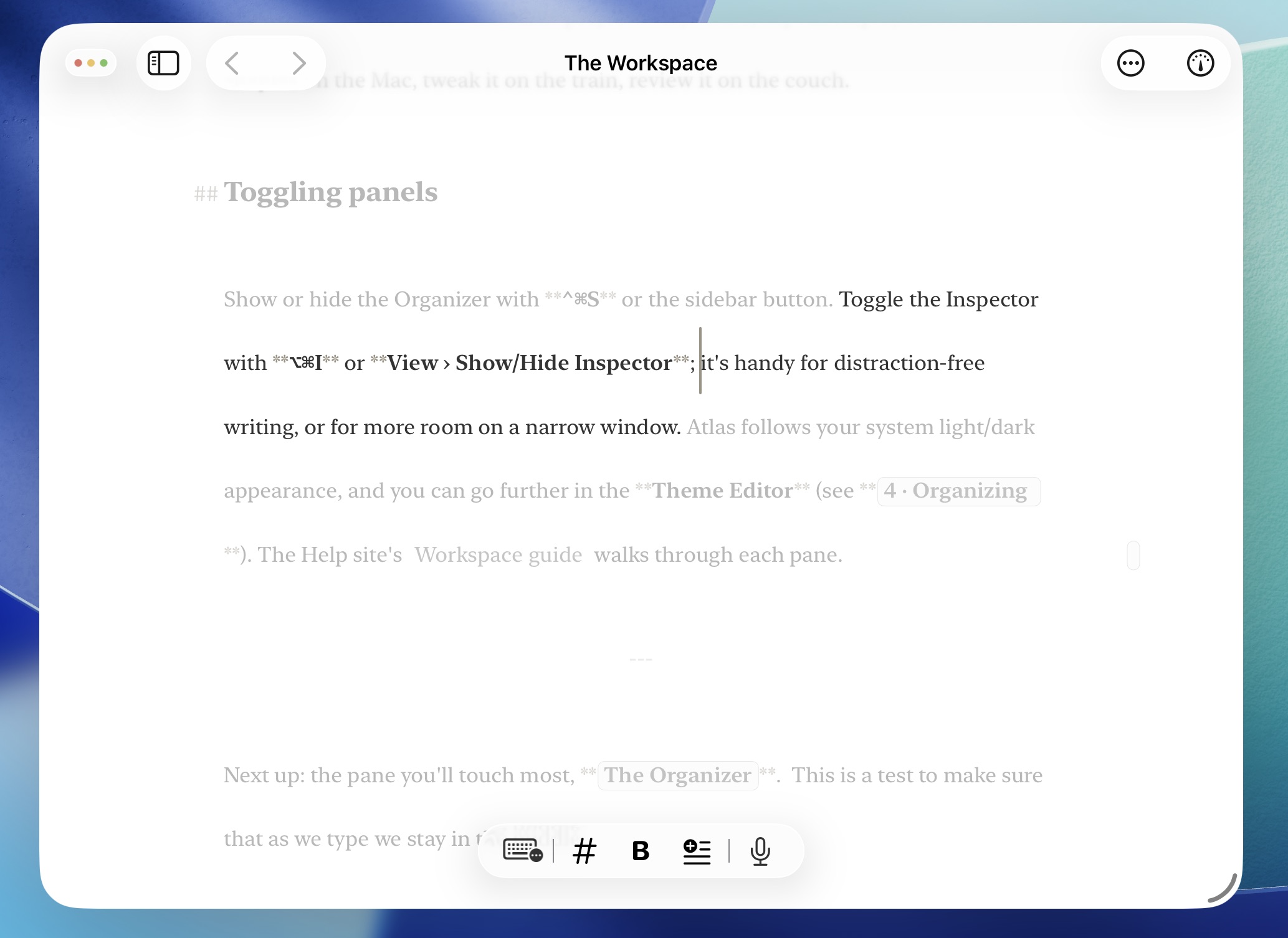
Atlas Icon

iCloud Sync, Focus Mode, and
Publishing Support Included

Atlas helps you avoid sorting through an ecosystem of plugins, hoping them to stay maintained, just to publish your work and set up the editor. It also supports iCloud sync out of the box with powerful conflict resolution tools that integrate directly with document history to keep your work safe.
Download NowLearn More

Available for macOS, iPad, and iPhone

A glance at how Atlas raises the bar

Obsidian is a lightweight and popular staple for editing Markdown files, raising the bar for any text editor while also being free for personal use. However, Atlas is built for writers and creatives who move between devices, enjoy a more flexible export tool, and want to avoid having to navigate a plugin marketplace of variable quality.

Sync and History: No Up-charge

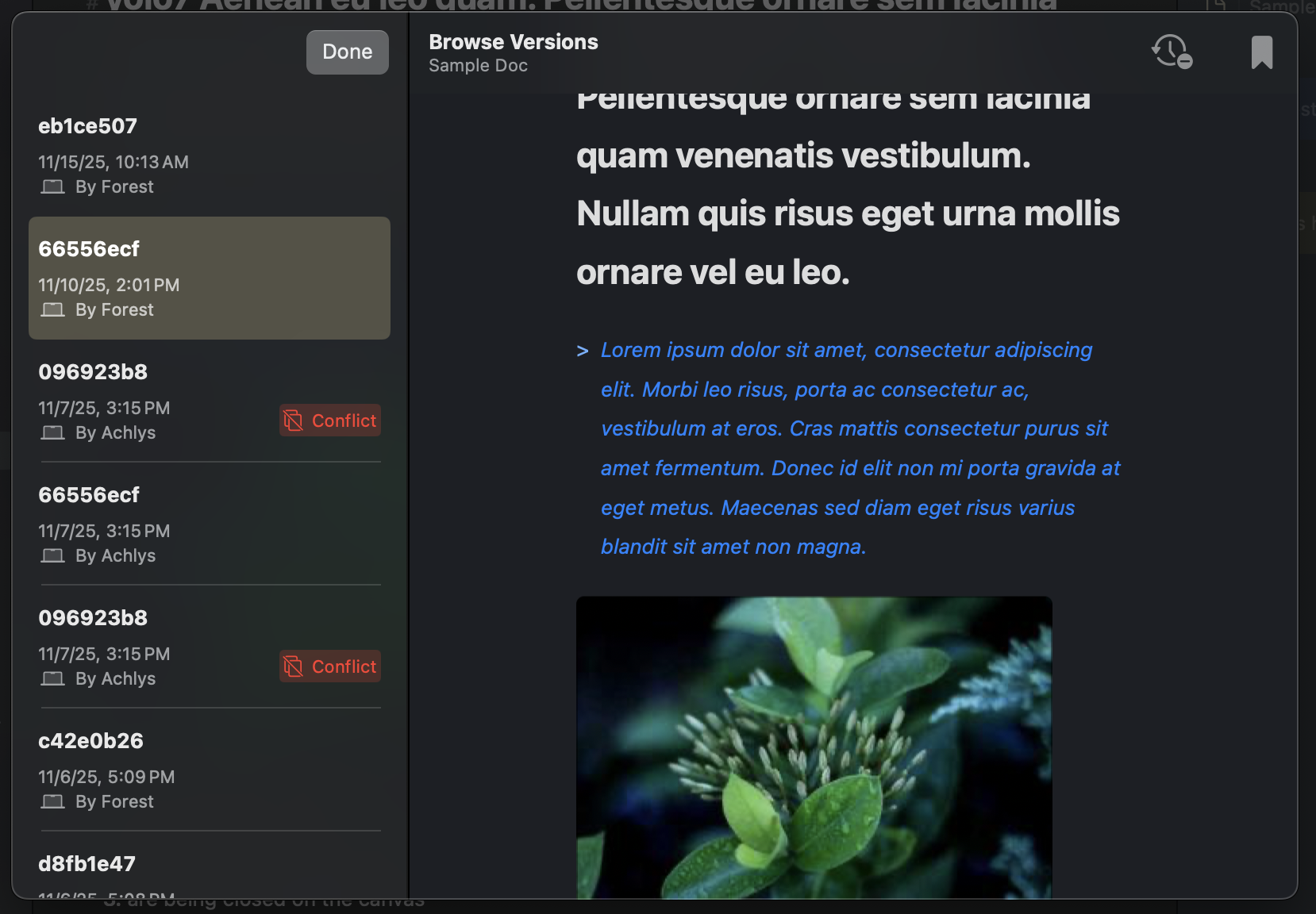
A syncing interface on Atlas

Fully offline with smart syncing through iCloud; Atlas treats your documents very carefully with a unified history from each device and instead of dumping all of your content into a duplicate recovery folder: No up-charge required.

ePub and PDF Export

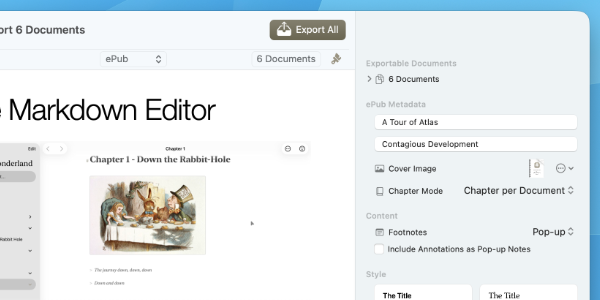
The Atlas Export Tool used for Publishing

No need to mess with plugins just to export and publish your work how you want: Atlas has a built in export tool which allows for creation of rich documents in ePubs and PDF, all with their own customizable styling.

Focus on Work, Not Plugins

The Atlas Export Tool used for Publishing

Atlas provides tools out of the box to help you focus—literally, a Focus Mode which dims text away from the cursor and typewriting scrolling to keep edits pinned where you want, so you don’t have to spend time looking for something that passes in a marketplace.

A Full Creative Workspace

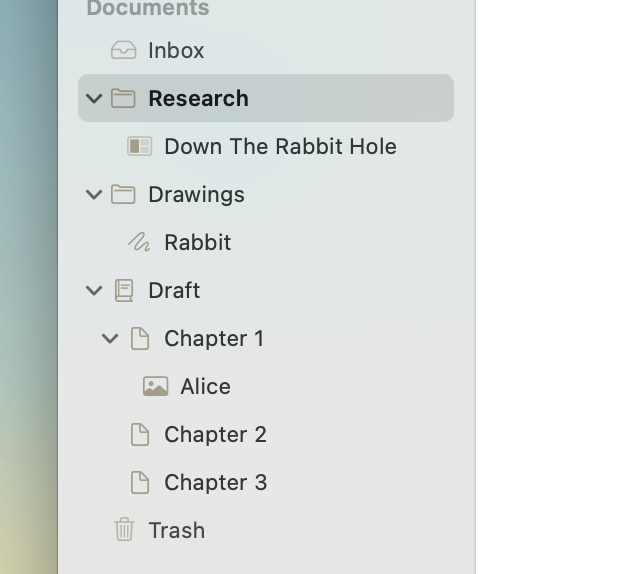
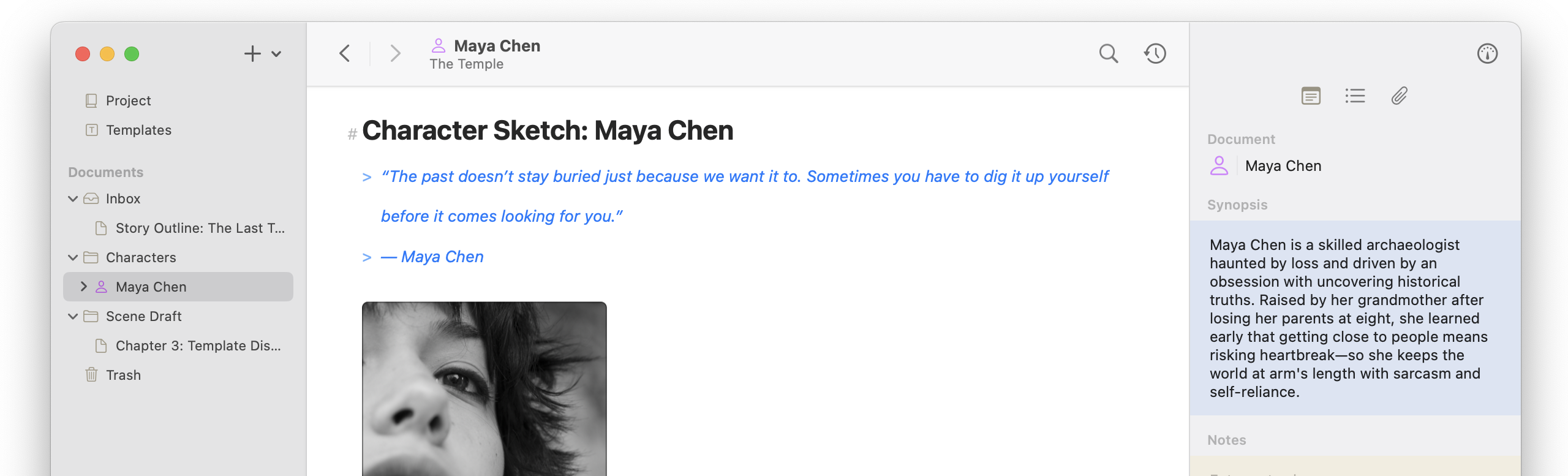
The Atlas Organizer

A full creative workspace to house the things you need to build out your projects, all syncing through iCloud. Atlas is designed to help you build as well as write your next story.

The nitty gritty

Feature Atlas Obsidian
One-time purchase option
Lifetime Availability Sales
Free (Personal use)
Paid Add-ons
Ready To Go Often Needs Plugins
Plugin Ecosystem
Native iOS/macOS Apps
Editor theme customizer
CSS Customizations
Focus Mode
& Typewriter Scrolling

Plugins Required

Wiki-style links & backlinks
Infinite canvas with connections
Apple Pencil sketching

Plugins Required

Built-In Web Clipper
iPhone & iPad app
Native
Windows Support
Cross-device sync
Built-in through iCloud

Obsidian Sync Upsell
Easy Sync Conflict Resolution
Document History
Detailed with Comparisons
& Integrated Between Devices

Obsidian Sync Upsell
ePub and PDF Exporting
Flexible Export Tool

Plugins Required

Dynamic Export Styling
Shortcut & Intents Support

Plugins Required

Frequently Asked Questions

Is Atlas a good replacement for Obsidian?

Honestly, it depends on what you are looking for! Atlas isn’t trying to be a one-sized fits all solution to Markdown document management; instead, Atlas is a self-contained workspace for collecting, creating, and writing content—a tool that’s designed to get out of your way. If you are looking for something to sit on top of your Markdown documents and build piece by piece, Obsidian is a perfect fit due to its flexibility.

Is Atlas a Markdown file manager / can I store my files elsewhere?

While Atlas can be used to store and manage notes, it is not a markdown file manager and is not designed to sit on top of a “vault”/existing markdown folder collection like Obsidian. Atlas keeps your documents on your device in its separate app container, outside the general Documents folder (in ~/Library/Group Containers/group.dev.contagious.atlas/). Keep in mind: files can be edited directly there, but won’t be updated through iCloud until the next time opened in Atlas.

I can just store my vault on iCloud Drive to sync: What’s the difference?

While you can store your vault on your iCloud Drive, standard Obsidian lacks the integrations to take advantage of full features and avoid potential pitfalls due to iCloud’s asynchronous nature. Common issues include the dreaded “vault not detected” error, duplicate conflict notes, or even missing files. The solutions often require jumping into Finder/Files, user libraries, or paying Obsidian Sync service. Meanwhile, Atlas works seamlessly with iCloud to ensure everything works as you’d expect out of the box.

Why does Atlas have such a high cost while Obsidian is free?

Your payment goes directly into improving and supporting the product—always current documentation, continuous updates and fixes, and a roadmap you help shape. Rather than splitting features into paid add-ons and tiers, we invest in one well-made tool that provides all that you need, then let its quality justify the price. Your payment also supports a small business whose goal is to make the best possible tool for the creative people who use it, including themselves ♥