Archives
The archive system keeps completed work accessible without cluttering your active workspace. Finished a version? Archive it. Paused a project indefinitely? Archive it. Everything you archive is preserved in full — all issues, history, properties, and notes — and you can browse or unarchive it anytime.
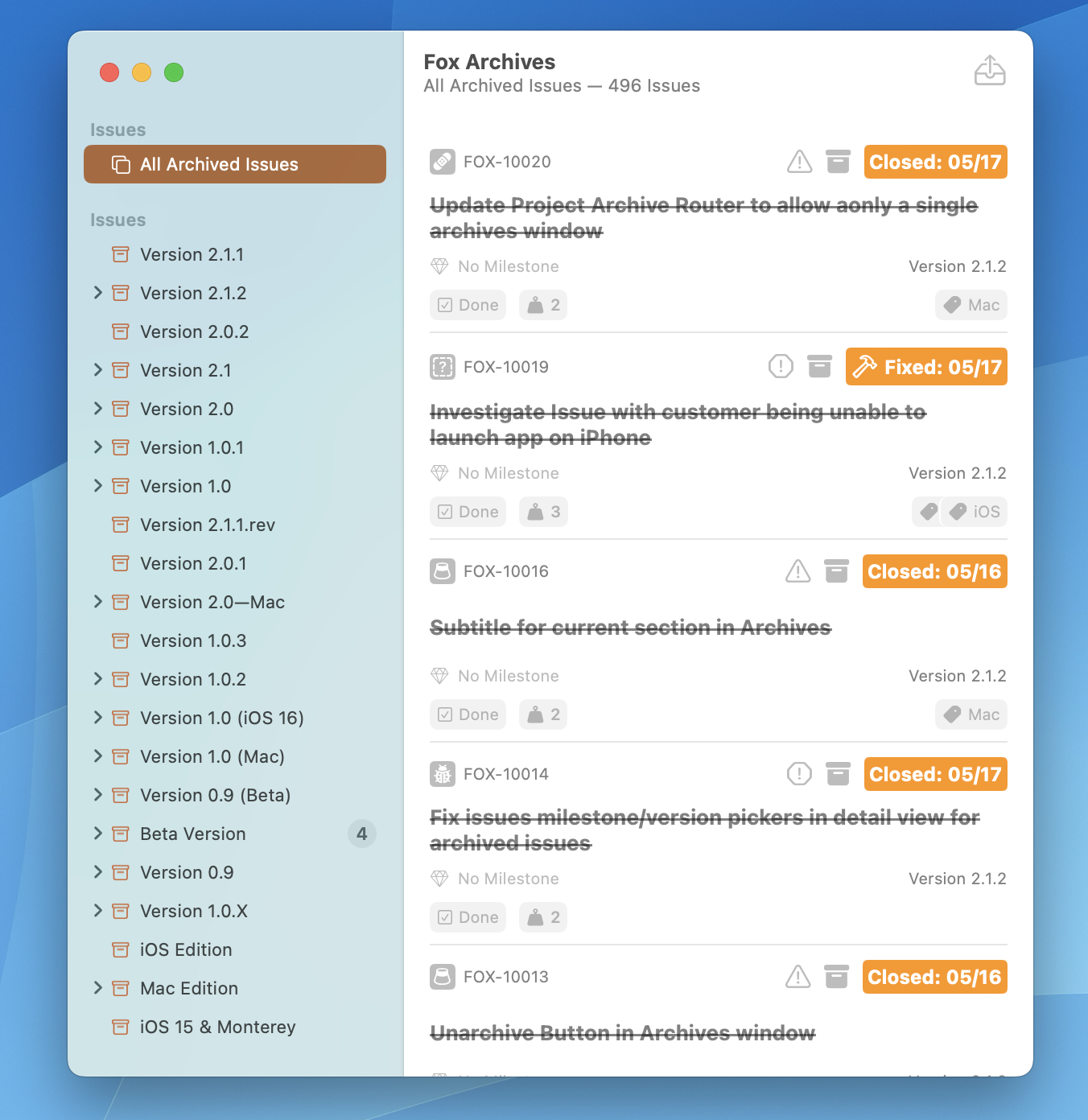
Project Archives Window on macOS
What Can Be Archived
Three things in Fox can be archived:
- Versions — Moves the version and all its issues out of the active workspace.
- Milestones — Moves the milestone and all its issues out of the active workspace.
- Projects — Moves the entire project out of the active project list.
Archiving a version or milestone takes its child issues with it. Archiving a project takes everything with it.
Project Archives
Archived versions and milestones live in Project Archives, a dedicated browsable interface accessible from the project view. Browse archived items anytime — all of their issues, attributes, and history are fully preserved.
Archived projects appear alongside active projects in the project picker when the "show archived" toggle is on.
Why Archive?
Archiving is the right answer when:
- A version has shipped and you're done tracking its issues
- A milestone is complete and you want it off the Navigator
- A project is paused, seasonal, or retired but still worth keeping around
- You want to declutter without deleting
Unlike deletion, archiving is completely reversible. Nothing is lost. You can browse the archive, reopen an archived issue, or unarchive an entire version and everything comes back intact.
Unarchiving
Unarchiving restores an item to active status with all of its contents. A version that's been unarchived returns to the Navigator with its issues intact; an unarchived project returns to the main project list ready to be opened and worked on.
Data Preservation
Archived content is never deleted. The archive is a low-friction way to keep your workspace focused without losing any history. If you really want something gone, delete it explicitly — but archiving is almost always the right first move.
See Also
- Projects — Archiving and unarchiving whole projects
- Versions & Milestones — What archiving a version or milestone removes from the workspace
- The Navigator — Where active versions and milestones live