Export App Logs for Support
When something in Atlas isn't behaving — a sync that won't settle, an export that comes out wrong, a crash you can reproduce — exporting your app logs gives the support team the diagnostic detail to see what actually happened on your device. You export the recent logs to a single file and send it along with your bug report.
Tip
Export your logs soon after you hit the problem. Atlas gathers only the last 3 hours of activity, so the sooner you export, the more likely the relevant moment is still captured.
What's in the export
Atlas bundles the recent logs into a single ZIP file named atlas-logs-<date>-<time>.zip. Inside are two plain-text files: the log entries themselves, and a short metadata file recording your app version, platform and OS version, device model, and the time range covered.
The logs describe Atlas's own activity for troubleshooting. They carry no personal information beyond your device model and OS version, and none of your document content.
Exporting on Mac
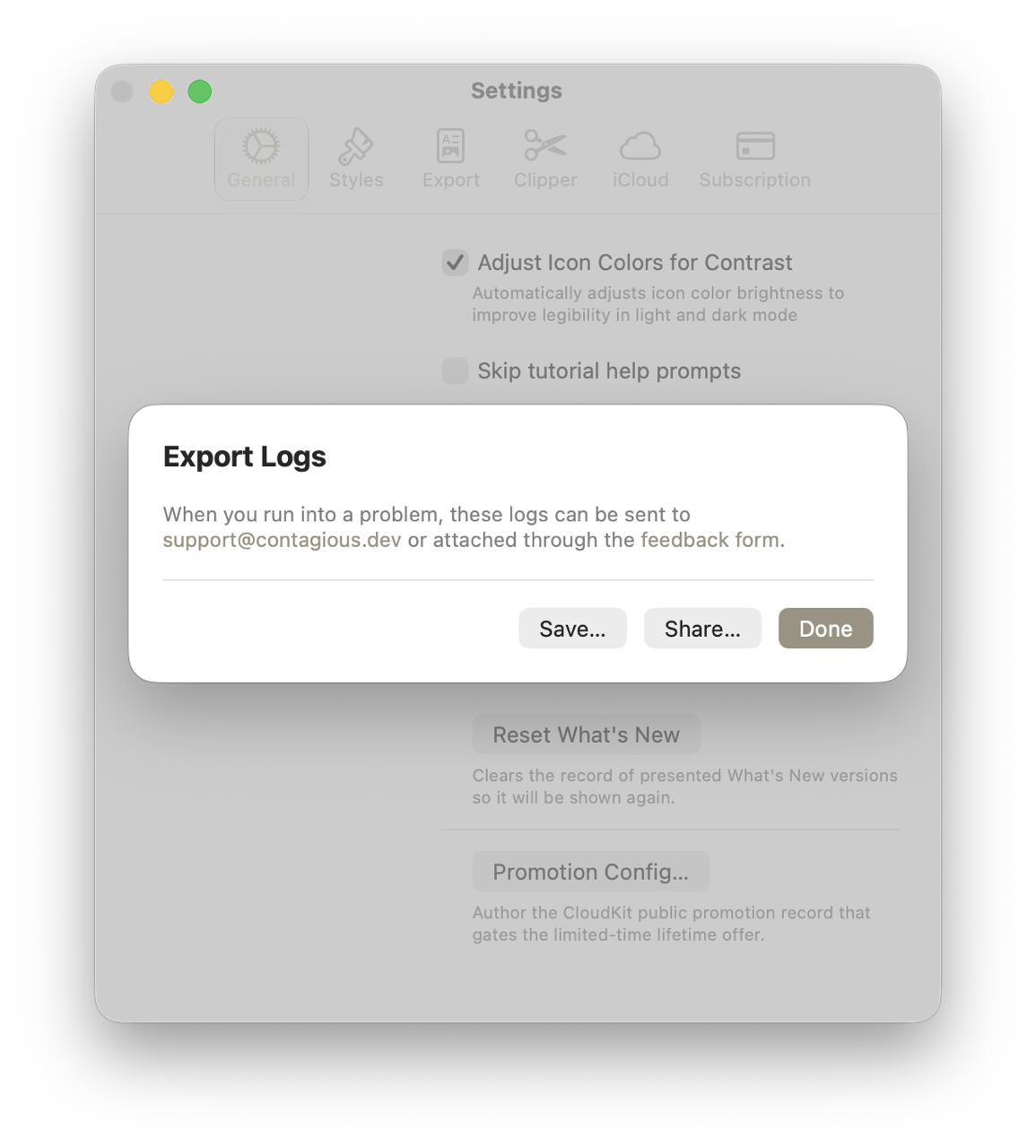
- Open the Help menu and choose Export Logs…. Atlas brings Settings forward and opens the Export Logs sheet.
- Wait a moment while Atlas gathers the logs — you'll see Gathering logs… with a spinner.
- When the logs are ready, choose one:
- Save… to write the ZIP to a location you pick, or
- Share… to send it straight to Mail, AirDrop, or another app.
- Choose Done to close the sheet.
Exporting on iPhone and iPad
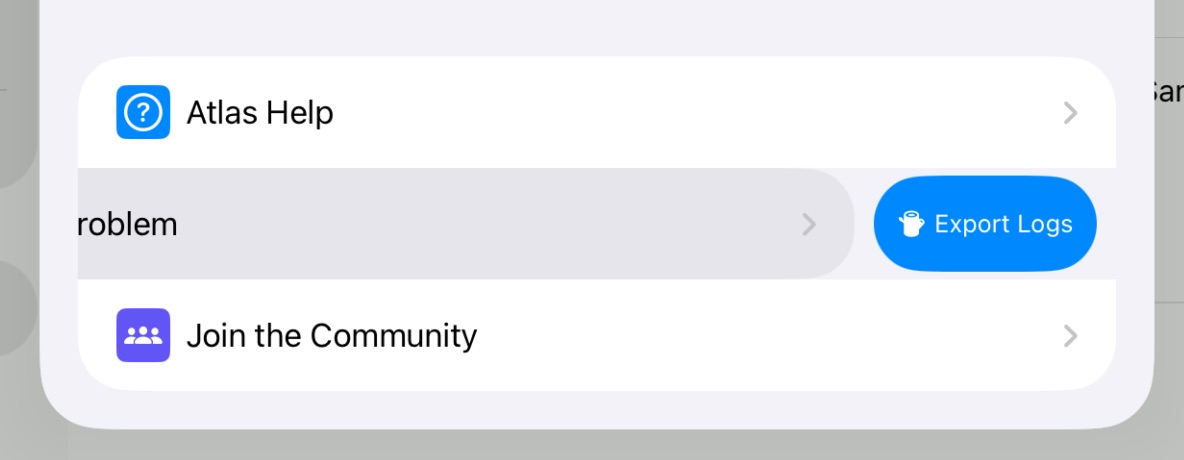
- Open Settings and find the Report a Problem row.
- Swipe left on the row and tap the Export Logs action.
- On the Export Logs screen, wait while Atlas gathers the logs.
- Tap Share… and choose how to send the file — Mail, Save to Files, AirDrop, and so on.
Sending the logs to support
Once you have the ZIP, send it to the Atlas team with a short description of what went wrong and the steps that led to it:
- Email it to support@contagious.dev, or
- Attach it through the feedback form.
The more you can say about what you expected versus what happened — and whether it repeats — the faster the issue can be tracked down.
See Also
- iCloud Sync and Conflicts — Diagnosing and resolving sync problems
- Working Offline — How Atlas behaves without a connection
- FAQ — Answers to common questions